HRMS

Explore HRMS software solutions for payroll, attendance, compliance, employee management, and workforce automation.

HRMS

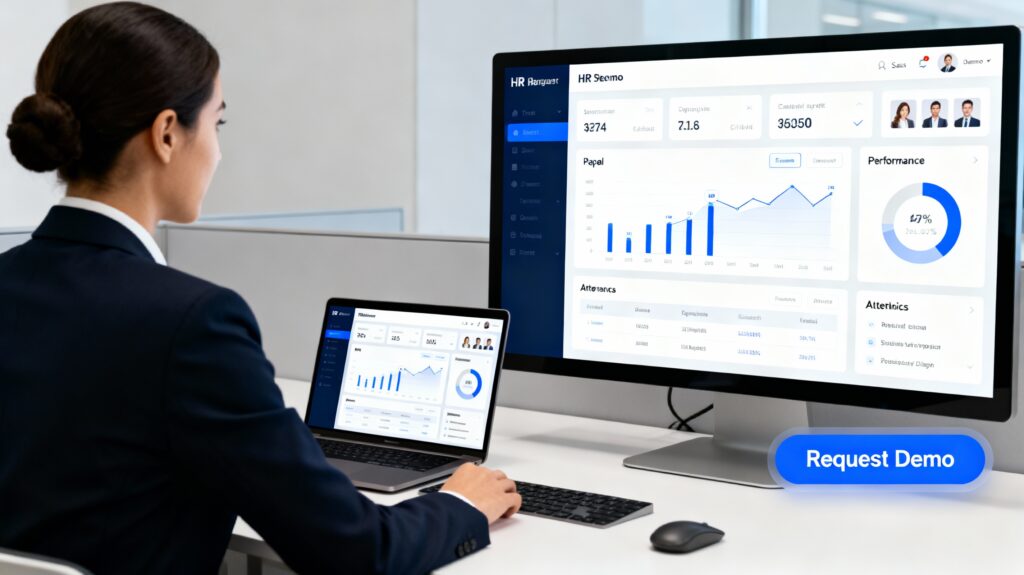
Where can I find demos for advanced HR management software?

Introduction Where to Find Demos for Advanced HR Management Software When you’re on the hunt for advanced HR tech, you want more than glossy screenshots — you want the real thing. Advanced HR management software demos help you test workflows, peek under the UI hood, and see whether the system vibes with your team’s day-to-day rhythm. Here’s where the best demos live online. 1. Official Vendor Websites Most leading platforms like BambooHR, Rippling, ADP, HiBob, and Gusto offer self-guided product tours or bookable live demos. This is your most reliable starting point — the origin story straight from the source, with all the newest features showcased front and center. 2. Software Review Marketplaces Sites like G2 and Capterra often embed demo videos, screenshots, and walk-throughs from vendors. These spaces are comparison heaven: you can line up multiple systems, watch demos back-to-back, and get instant clarity on which one actually fits your workflow. 3. YouTube Product Walkthroughs YouTube is an unexpected goldmine — not just for vendor uploads, but for third-party reviewers and HR consultants who offer raw, unfiltered breakdowns of the platforms. No marketing fluff, just the truth. 4. Industry Associations Organizations like SHRM frequently host webinars or spotlight demos from rising HR tech providers. If you want curated insights grounded in industry standards, this route is clutch. 5. HR Tech Events & Virtual Expos Conferences like HR Tech Expo, Web Summit, or even vendor-hosted virtual showcases offer live demos with real product specialists. It’s the “ask anything, test everything” experience — minus the airfare. For more software exploration, check out our Small Business Tools and HR Strategy Guides.
HRMS

How do I compare features of leading employee performance management tools?

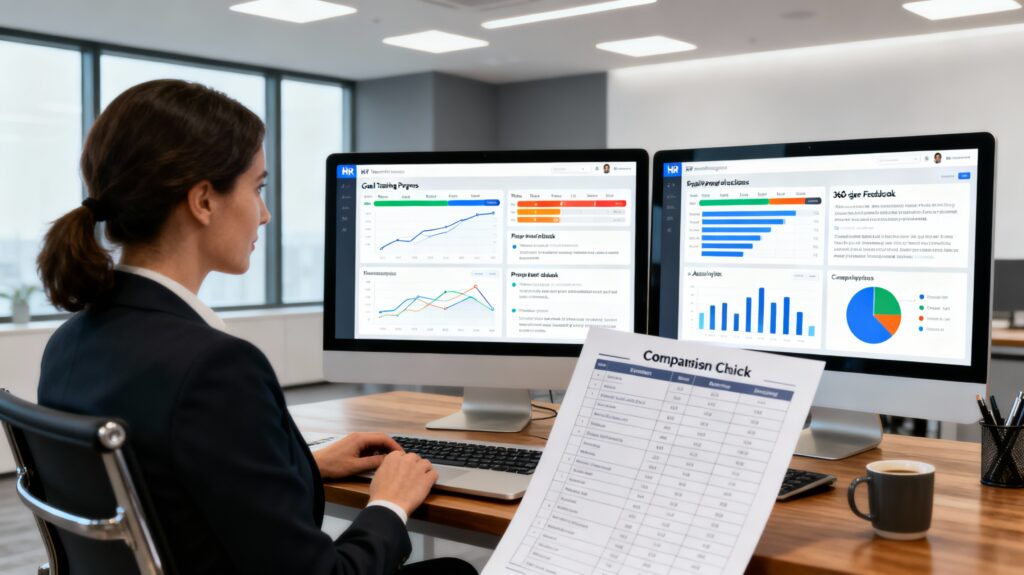
Introduction How to Compare Features of Leading Employee Performance Management Tools The performance management landscape is buzzing with tools that promise clarity, alignment, and productivity. But choosing the right one? That’s the real challenge. To compare employee performance management tools effectively, you need a clear framework that cuts through the noise and spotlights what actually moves the needle for your team. 1. Goal-Setting & OKR Features Look for platforms that simplify alignment. Leading tools offer dynamic OKRs, role-based goal visibility, and progress tracking that updates automatically. If goal workflows feel clunky, the rest usually will too. 2. Review Cycles & Feedback Tools The best systems don’t just check boxes — they spark real conversations. Prioritize tools with 360° feedback, customizable review cycles, continuous check-ins, and templates that make managers’ lives easier, not harder. 3. Performance Analytics & Reporting Data is the heartbeat of modern people ops. Choose software that turns performance insights into dashboards you can act on. Heatmaps, trend lines, and sentiment markers should be standard, not premium extras. 4. Employee Engagement Integration Performance isn’t isolated. Platforms like Lattice, Leapsome, and Culture Amp integrate engagement surveys, pulse checks, and development tools into the same ecosystem — giving context to feedback and performance data. 5. Automation & Workflow Simplicity If a tool requires five clicks for every update, it’s not built for scaling teams. Look for systems that automate reminders, review cycles, progress updates, and goal tracking with minimal manual input. 6. Integrations & Tech Stack Compatibility Your performance tool should talk to your HRIS, payroll system, collaboration platforms, and SSO tools. Pre-built integrations cut onboarding time and reduce administrative headaches. For deeper benchmarking and evaluation frameworks, organizations like SHRM offer trusted HR research. Continue exploring tools with our Small Business Tools and HR Strategy Guides.

HRMS

What are the best HRMS products with mobile app support?

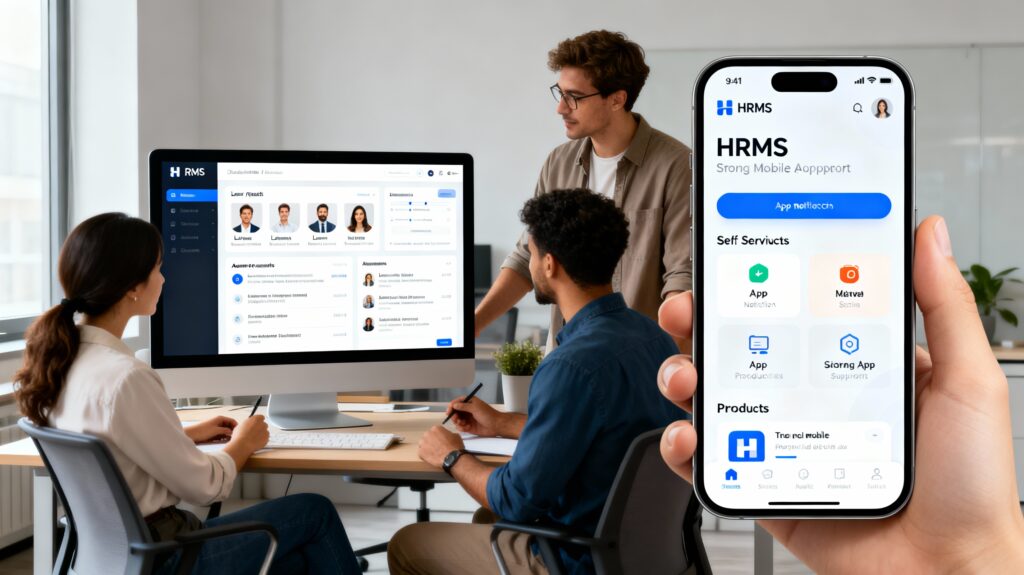
Introduction What Are the Best HRMS Products with Mobile App Support? Today’s teams move fast, work remotely, and expect HR tools that keep up with them. That’s why HRMS products with mobile app support have become essential — giving employees access to attendance, payroll, performance tools, and company updates straight from their phones. If your workforce is hybrid, remote, or simply on the go, mobile-first HR tech is non-negotiable. 1. BambooHR BambooHR’s mobile app is one of the cleanest in the space. Employees can manage time off, check their profiles, and get performance updates. Managers get quick access to approvals and insights. It’s people-friendly and ridiculously easy to use. 2. Rippling Rippling’s mobile experience is an extension of its all-in-one ecosystem. Employees can handle onboarding, payroll visibility, device permissions, and time tracking directly from the app. The UI feels modern, fast, and enterprise-level without the enterprise headache. 3. Gusto Gusto’s app focuses on the essentials: pay stubs, tax forms, time tracking, and simple HR tasks. It’s perfect for small businesses that need a lightweight but reliable mobile HR toolkit. 4. Zoho People Zoho People delivers a surprisingly deep mobile experience: attendance, geofencing, approvals, shift management, and leave requests — all in one place. It’s ideal for distributed teams or businesses with frontline employees. 5. Paycom Paycom’s mobile app is known for its employee-centered design. Workers can manage payroll, clock in and out, complete training modules, and even run certain HR self-service tasks without needing desktop access. Want broader HR tech benchmarks? Explore research and insights from SHRM for deeper evaluations. Continue exploring HR tools with our Small Business Tools and HR Strategy Guides.

HRMS

Can I get a free trial for a comprehensive workforce management system?

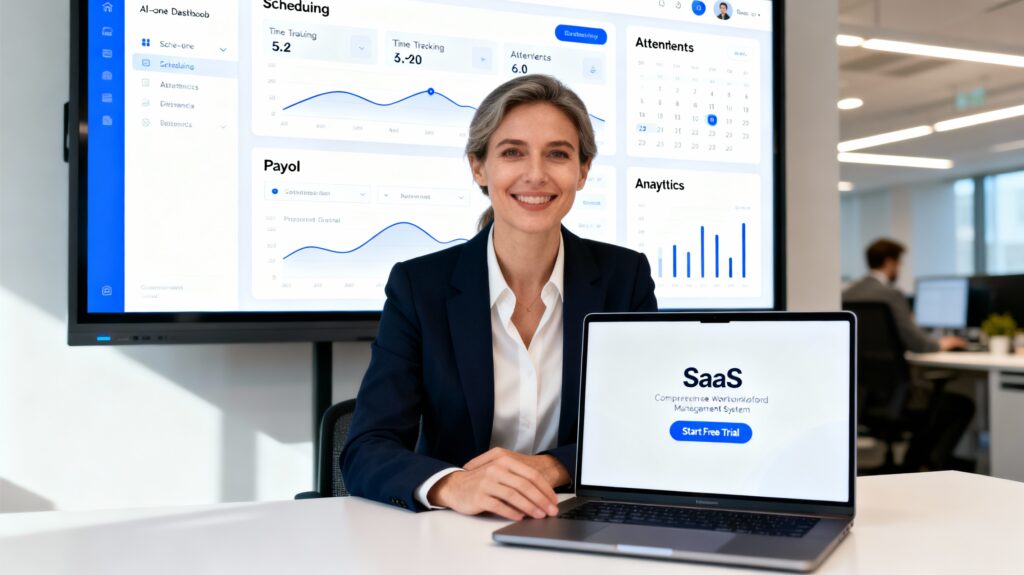
Introduction Can You Get a Free Trial for a Comprehensive Workforce Management System? The short answer? Yes — most leading HR tech providers now offer a free trial for a comprehensive workforce management system, because businesses want to test the real workflow before committing. With teams going hybrid, productivity tools becoming mission-critical, and budgets tighter than ever, “try before you buy” has become the norm rather than a luxury. 1. Workforce.com Workforce.com offers a free trial that lets you explore scheduling, attendance, compliance rules, and forecasting. It’s built for teams with complex shift patterns and frontline operations. 2. Rippling Rippling typically offers product demos and sandbox-style previews for workforce tools like time tracking, permissions, and onboarding. While not always a public “free trial,” the hands-on experience is strong. 3. BambooHR BambooHR provides a personalized free trial focused on time tracking, PTO management, and performance workflows. Great for small and mid-sized teams who want an intuitive, people-first experience. 4. Zoho People Zoho People offers one of the most generous trials, unlocking scheduling, attendance, automation, mobile check-ins, and HR workflows. It’s perfect for distributed teams or companies growing fast. 5. When I Work When I Work provides a straightforward trial for scheduling and time tracking — ideal for shift-based teams in retail, hospitality, healthcare, and service operations. For additional verification, HR associations like SHRM offer vendor directories and reviews to help you compare trial options. Want more HR tech insights? Explore: Small Business Tools • HR Strategy Guides

HRMS

Which companies provide customer support for cloud HR software in California?

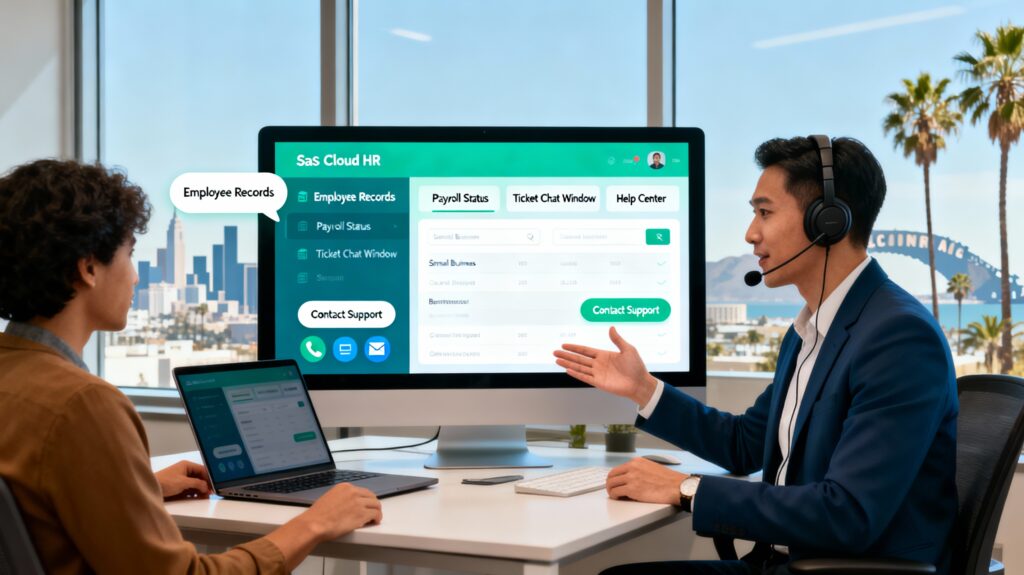
Introduction Which Companies Provide Customer Support for Cloud HR Software in California? California companies move fast — and they expect their HR tech partners to keep pace. That’s why customer support for cloud HR software in California has become a priority for businesses that need real-time help, localized guidance, and fast troubleshooting. Luckily, several HR tech vendors offer strong support for California-based teams. 1. BambooHR BambooHR provides responsive customer support accessible to California businesses via chat, phone, and email. Their team is known for quick resolutions and a human-centered experience — perfect for small and mid-sized companies. 2. Gusto Headquartered in California, Gusto offers strong local support for payroll, HR workflows, and compliance questions. Support includes live reps, onboarding specialists, and a deep knowledge base tailored to California employment laws. 3. Rippling Based in San Francisco, Rippling offers dedicated support channels for HR, payroll, and IT management. California-based companies benefit from localized expertise and quick access to product specialists. 4. Paychex Paychex provides California-specific HR support through regional representatives and compliance experts. They’re particularly helpful for businesses navigating California’s complex labor laws. 5. ADP ADP maintains dedicated support teams for California businesses, offering guidance on payroll, HR tools, workforce management, and state-specific compliance requirements. For deeper validation and HR support resources, organizations like SHRM offer trusted guidance for California companies. Want more insights? Explore our Small Business Tools and HR Strategy Guides.

HRMS

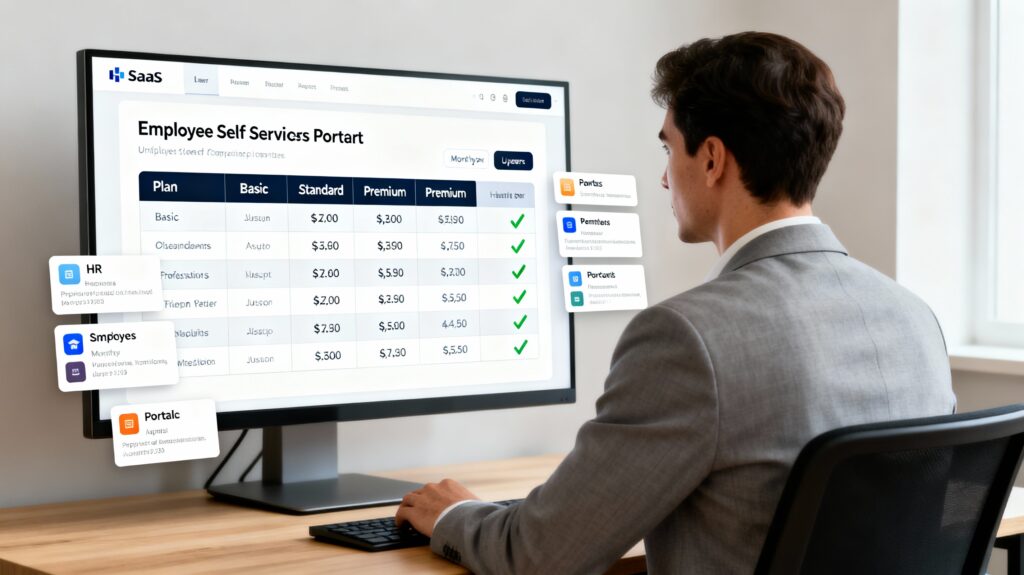
What are the pricing plans for popular employee self-service portals?

Introduction What Are the Best HRMS Products with Mobile App Support? Today’s teams move fast, work remotely, and expect HR tools that keep up with them. That’s why HRMS products with mobile app support have become essential — giving employees access to attendance, payroll, performance tools, and company updates straight from their phones. If your workforce is hybrid, remote, or simply on the go, mobile-first HR tech is non-negotiable. 1. BambooHR BambooHR’s mobile app is one of the cleanest in the space. Employees can manage time off, check their profiles, and get performance updates. Managers get quick access to approvals and insights. It’s people-friendly and ridiculously easy to use. 2. Rippling Rippling’s mobile experience is an extension of its all-in-one ecosystem. Employees can handle onboarding, payroll visibility, device permissions, and time tracking directly from the app. The UI feels modern, fast, and enterprise-level without the enterprise headache. 3. Gusto Gusto’s app focuses on the essentials: pay stubs, tax forms, time tracking, and simple HR tasks. It’s perfect for small businesses that need a lightweight but reliable mobile HR toolkit. 4. Zoho People Zoho People delivers a surprisingly deep mobile experience: attendance, geofencing, approvals, shift management, and leave requests — all in one place. It’s ideal for distributed teams or businesses with frontline employees. 5. Paycom Paycom’s mobile app is known for its employee-centered design. Workers can manage payroll, clock in and out, complete training modules, and even run certain HR self-service tasks without needing desktop access. Want broader HR tech benchmarks? Explore research and insights from SHRM for deeper evaluations. Continue exploring HR tools with our Small Business Tools and HR Strategy Guides.

HRMS

Where can I find demos for advanced HR management software?

Introduction Where to Find Demos for Advanced HR Management Software When you’re on the hunt for advanced HR tech, you want more than glossy screenshots — you want the real thing. Advanced HR management software demos help you test workflows, peek under the UI hood, and see whether the system vibes with your team’s day-to-day rhythm. Here’s where the best demos live online. 1. Official Vendor Websites Most leading platforms like BambooHR, Rippling, ADP, HiBob, and Gusto offer self-guided product tours or bookable live demos. This is your most reliable starting point — the origin story straight from the source, with all the newest features showcased front and center. 2. Software Review Marketplaces Sites like G2 and Capterra often embed demo videos, screenshots, and walk-throughs from vendors. These spaces are comparison heaven: you can line up multiple systems, watch demos back-to-back, and get instant clarity on which one actually fits your workflow. 3. YouTube Product Walkthroughs YouTube is an unexpected goldmine — not just for vendor uploads, but for third-party reviewers and HR consultants who offer raw, unfiltered breakdowns of the platforms. No marketing fluff, just the truth. 4. Industry Associations Organizations like SHRM frequently host webinars or spotlight demos from rising HR tech providers. If you want curated insights grounded in industry standards, this route is clutch. 5. HR Tech Events & Virtual Expos Conferences like HR Tech Expo, Web Summit, or even vendor-hosted virtual showcases offer live demos with real product specialists. It’s the “ask anything, test everything” experience — minus the airfare. For more software exploration, check out our Small Business Tools and HR Strategy Guides.
HRMS

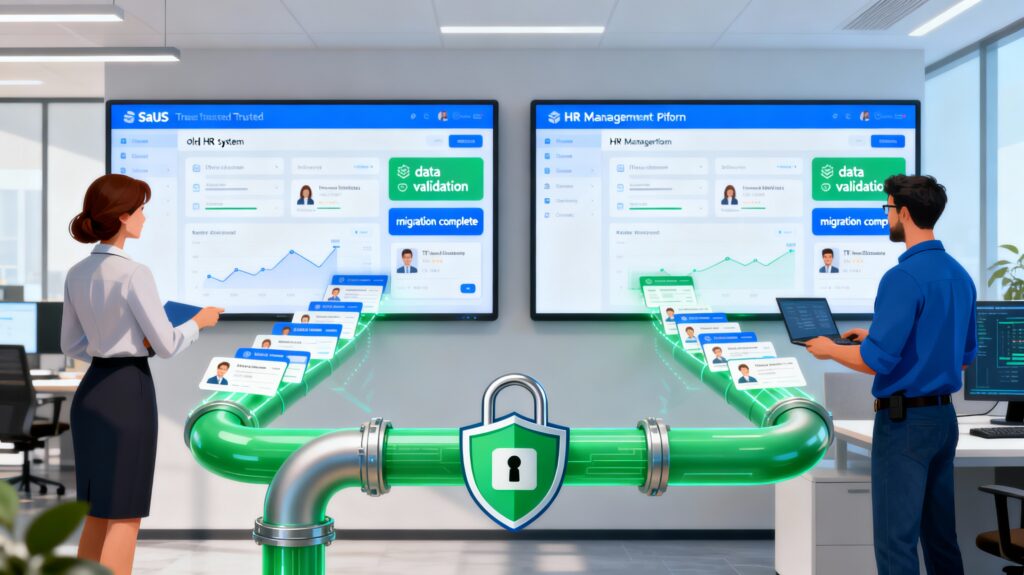
How to Migrate Employee Data to a New HR Management Platform Securely

Introduction How to Migrate Employee Data to a New HR Management Platform Securely Migrating HR data is a little like performing open-heart surgery on your organization — delicate, high stakes, and absolutely mission-critical. To migrate employee data to a new HR management platform securely, you need a blend of planning, protection, validation, and zero shortcuts. Here’s a clean, safe workflow that keeps your data — and your sanity — intact. 1. Start With a Full Data Backup Before you touch anything, back everything up. Export payroll records, personnel files, performance history, time-off balances, and documents. Store backups in encrypted locations with restricted access only. 2. Clean and Normalize the Data Migrating messy data only creates messy outcomes. Standardize formats, remove duplicates, update expired fields, and confirm accuracy. Many HR systems reject bad formatting — save yourself from failed imports later. 3. Encrypt Files Before Transport Whether you’re exporting spreadsheets or API-based data sets, ensure encryption in transit. Secure file-transfer protocols (SFTP), password-protected exports, and vendor-approved secure upload portals are must-haves. 4. Use Role-Based Permissions Limit who can touch sensitive data during the migration. Only authorized HR admins or IT specialists should handle uploads, mapping, and validation. The tighter the access, the smaller the risk footprint. 5. Validate Data After Import Run checks to confirm everything landed correctly — pay rates, titles, departments, time-off balances, and employment statuses. Spot mistakes early before teams start working in the new platform. 6. Retire Old System Access Securely Once the migration is complete, revoke access to the old system. Archive what’s required for compliance and delete redundant data securely to avoid duplicate storage risks. For deeper HR data governance insights, organizations like SHRM provide trusted security and compliance resources. Looking for more HR tech workflows? Explore our Small Business Tools and HR Strategy Guides.
HRMS

Top Applicant Tracking Systems for 2026: What Every U.S. Company Should Know

Introduction Introduction:Hiring in the U.S. has officially transformed into a battlefield. Talent is no longer something companies casually source whenever a role opens. Talent has become a high-stakes competition, and only the companies equipped with the right technology are winning. You can feel this shift everywhere. Startups are hiring faster than ever. Enterprises are expanding at speeds that overwhelm traditional HR processes. Employees are switching roles with new expectations. And the companies still relying on outdated hiring workflows are getting crushed under the weight of their own inefficiencies. This is the world where an applicant tracking system is no longer optional. It is the backbone of modern recruitment. It is the engine behind every fast-moving talent acquisition team. It is the system that decides whether a company hires the right people or gets left behind with slow, reactive hiring practices. Working with powerhouse companies like Intel and Google showed me something that changed the way I view hiring forever. The companies dominating the market don’t sort résumés manually. They don’t rely on email chains. They don’t lose candidates in the chaos of busy inboxes. They operate with precision. They operate with visibility. They operate with speed. And they owe that speed to the strength of their applicant tracking system. Datadotlabs knows exactly how critical this technology has become in 2026. They understand the urgency. They understand the pressure. They understand that hiring is not just a process anymore. Hiring is a brand experience. Hiring is a competitive advantage. Hiring is the heart of growth. This is why choosing the right applicant tracking system matters more today than it ever has in the history of recruitment. Why the Applicant Tracking System Has Become the Core of Modern Hiring Recruiters used to spend hours combing through résumés. They used to manually coordinate interviews. They used to track candidates in spreadsheets and email threads. Those days are gone. Completely gone. Because the speed of the labor market doesn’t allow manual workflows anymore. Companies want hiring that moves in real time. Candidates expect hiring processes that feel respectful and organized. HR teams demand systems that reduce stress, not add to it. And leadership expects data-driven insights that help them hire smarter. The applicant tracking system delivers all of this. It transforms hiring from a messy manual workflow into a structured, intelligent, automated process that moves faster than the labor market itself. And this speed isn’t just convenient. It is necessary for survival. In 2026, an applicant tracking system is not a tool. It is infrastructure. It is stability. It is clarity. It is the only way companies can meet the demands of a workforce that is more mobile, more selective, and more empowered than ever. How the Applicant Tracking System Streamlines Modern Recruitment Workflows When a company implements a powerful applicant tracking system, something incredible happens. Chaos becomes order. Confusion becomes clarity. Delays become momentum. Hiring becomes a smooth, predictable, measurable machine instead of a stressful juggling act. Every step of the recruitment journey becomes faster and smarter. Candidate sourcing becomes automated. Resume parsing becomes instant. Interview scheduling becomes efficient. Communication becomes seamless. Collaboration across HR and department teams becomes synchronized. Leadership gets full visibility into the pipeline. And candidates get a hiring experience that feels modern and professional instead of outdated and frustrating. The applicant tracking system sits at the center of all this movement. It doesn’t just organize hiring. It elevates it. It reshapes it. It turns reactive recruiting into proactive recruiting. Companies that adopt a powerful applicant tracking system stop chasing candidates. They start attracting them. Why Candidate Experience Is Now a Make-or-Break Factor in U.S. Recruiting The modern candidate does not think the way candidates thought 20 years ago. They are not patient. They are not obligated. They are not willing to sit through slow or confusing hiring processes. They expect clarity. They expect communication. They expect updates. And they expect all of it to feel fast and human. A slow hiring process is now one of the biggest reasons candidates reject job offers. And companies lose top talent simply because their workflows weren’t built for modern expectations. This is where an applicant tracking system becomes the hero of the entire hiring experience. It automates follow-ups. It keeps candidates informed. It eliminates wait times. It ensures every applicant feels acknowledged. It helps companies build trust before the candidate even walks through the door. Candidate experience is brand experience. And the applicant tracking system is the engine behind that experience. How Data Intelligence Has Become the Most Valuable Feature of the Applicant Tracking System Recruitment used to be guided by instinct. Now it’s guided by data. And the applicant tracking system is the data powerhouse behind every successful recruitment strategy. Companies can finally see which hiring channels work. They can understand how long each role takes to fill. They can identify which stages candidates drop off. They can measure recruiter effectiveness. They can analyze talent trends. They can predict hiring needs. They can optimize hiring funnels with the same precision marketing teams optimize conversion funnels. This is what modern companies expect from their applicant tracking system. Not just organization. Not just automation. Intelligence. Insight. Visibility. Predictability. Datadotlabs leans into this strength by designing systems that don’t just capture data but translate it into decisions. The applicant tracking system they envision is built for a future where hiring needs to evolve every month, not every decade. Why Large Enterprises Are Investing Heavily in Applicant Tracking Systems in 2026 Big companies have the hardest hiring challenges. They hire at scale. They hire constantly. They hire across multiple teams, multiple time zones, multiple regions, and multiple departments. Their pipelines are massive. Their turnover is high. Their expectations are intense. Without a strong applicant tracking system, large organizations collapse under the weight of their own hiring volume. This is why enterprises across the U.S. are implementing advanced applicant tracking system platforms in 2026. They need centralized hiring. They need fewer bottlenecks. They need faster

HRMS

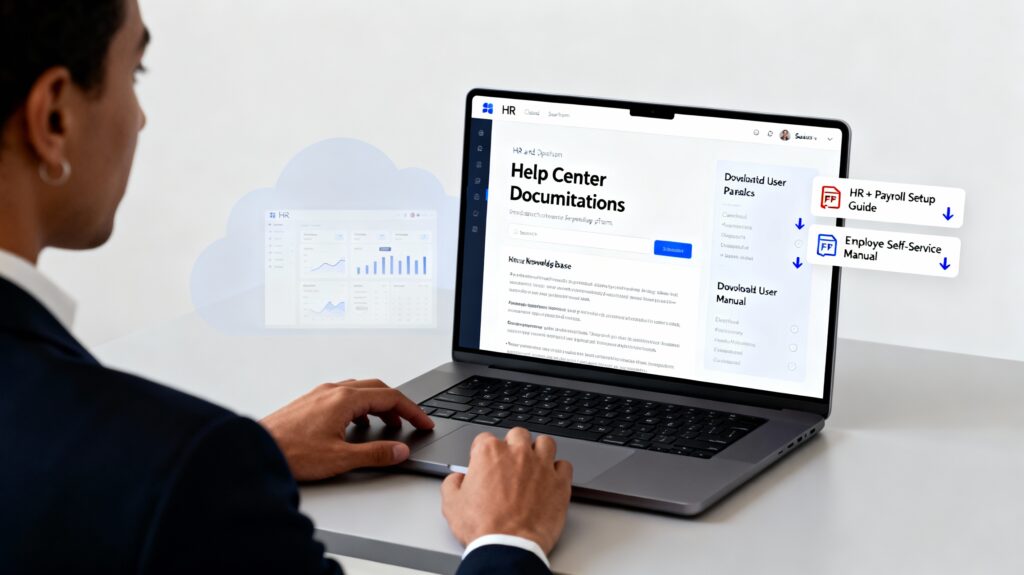
Where to download user manuals for HR software with payroll integration?

Introduction Where to Download User Manuals for HR Software With Payroll Integration Whether you’re onboarding a new HR tool or trying to master payroll workflows, having the official documentation on hand is a lifesaver. Thankfully, you can download user manuals for HR software with payroll integration from several reliable sources. These manuals break down setup steps, payroll rules, automation settings, compliance features, and tips that keep your HR operations running smoothly. 1. Official Vendor Support Portals Most HR software providers — like BambooHR, Rippling, Gusto, and Zoho People — offer downloadable user manuals through dedicated support portals. You’ll usually find them under Documentation, Resources, Help Center, or Knowledge Base sections. These are always the most accurate and frequently updated versions. 2. Customer Account Dashboards Many platforms hide their full documentation behind login access. Once you sign in, look for menu items like “Product Docs,” “Implementation Guides,” or “Payroll Help.” These manuals often include advanced configuration steps for system admins. 3. Software Review Sites Marketplaces such as G2, Capterra, and TrustRadius sometimes host vendor-uploaded guides, PDFs, and onboarding documentation. While not always complete, they’re great for quick previews or side-by-side comparisons. 4. YouTube & Vendor Academy Libraries While not traditional manuals, many vendors now offer full training academies or video walkthroughs with downloadable supplementary materials. These often cover payroll-specific setups that written manuals gloss over. 5. HR Associations & Industry Resources Organizations like SHRM curate documentation links and implementation resources for HR teams evaluating software that includes payroll tools. Keep your HR tech exploration flowing with our Small Business Tools and HR Strategy Guides.
Scroll to Top