

SSO Integration HRMS Guide for Enterprises (2026)
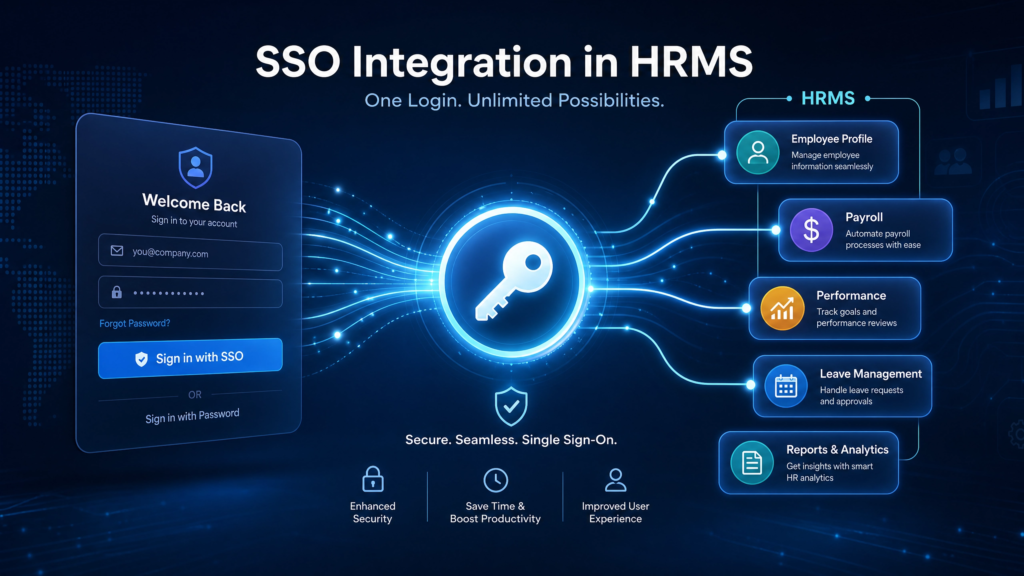
SSO integration HRMS enables businesses to connect HRMS platforms with centralized identity providers using Single Sign-On (SSO) authentication to improve workforce security, simplify employee login access, streamline user management, and strengthen enterprise identity governance.
Table of Contents
What Is SSO Integration HRMS?
SSO integration HRMS allows employees to securely access HRMS platforms using centralized authentication systems without maintaining separate usernames and passwords for multiple applications.
Modern businesses integrate HRMS Software with enterprise identity providers to improve authentication security and simplify workforce access management.
HRMS SSO integration typically supports:
- Centralized employee authentication
- Role-based access management
- Secure workforce login workflows
- Identity lifecycle management
- Enterprise authentication governance
- Cloud-based workforce access
Why SSO Matters for HRMS Platforms
As organizations adopt multiple workforce applications, managing separate credentials creates operational and security challenges.
- Password fatigue increases security risks
- Manual user management slows onboarding
- Disconnected authentication systems reduce visibility
- Unauthorized access creates compliance concerns
- Remote workforce expansion increases identity complexity
Organizations implementing SSO integration improve workforce security, reduce password-related support requests, and simplify enterprise identity governance.
How HRMS SSO Integration Works
HRMS SSO integration uses identity providers and authentication protocols to verify employee credentials before granting access to workforce systems.
| SSO Component | Purpose |
|---|---|
| Identity Provider (IdP) | Authenticates workforce users |
| Service Provider (SP) | HRMS application receiving authentication |
| SAML/OAuth Protocol | Transfers authentication requests securely |
| Access Tokens | Validates user sessions securely |
| Role-Based Access | Controls workforce permissions |
Supported Authentication Protocols
SAML 2.0
SAML 2.0 is one of the most widely used enterprise authentication protocols for HRMS SSO integrations.
- Enterprise-grade authentication
- Secure identity federation
- Widely supported across enterprise platforms
OAuth 2.0
OAuth 2.0 enables secure authorization workflows and API authentication for cloud-based HRMS systems.
OpenID Connect (OIDC)
OIDC extends OAuth functionality by supporting secure identity authentication for workforce applications.
Organizations implementing HRMS API integration often combine API security with SSO authentication frameworks.
Identity Provider Integrations
Enterprise HRMS platforms commonly integrate with leading identity providers.
| Identity Provider | Common Enterprise Use Case |
|---|---|
| Microsoft Azure AD | Enterprise workforce identity management |
| Okta | Cloud identity governance |
| Google Workspace | Workforce productivity authentication |
| Auth0 | Developer-focused identity management |
| OneLogin | Centralized authentication management |
Security Benefits of SSO Integration HRMS
SSO integration improves workforce security and simplifies enterprise authentication governance.
- Reduces password reuse risks
- Centralizes workforce authentication
- Improves employee access management
- Strengthens identity governance
- Supports multi-factor authentication (MFA)
- Improves audit visibility
Businesses managing workforce compliance often integrate:
SSO Integration Implementation Process
1. Review Identity Requirements
Organizations should identify authentication workflows, workforce access policies, and identity governance requirements.
2. Select Authentication Protocols
Businesses typically choose SAML, OAuth, or OIDC based on enterprise security architecture.
3. Configure Identity Provider
Identity providers must be configured with:
- SSO endpoints
- Authentication certificates
- User roles and permissions
- Application access policies
4. Validate Authentication Workflows
Businesses should test:
- User authentication
- Role-based access permissions
- Session management
- Logout workflows
- MFA integration
5. Deploy Workforce Access Policies
Organizations should monitor authentication logs and workforce access controls continuously.
Common SSO Integration Challenges
- Identity mapping inconsistencies
- Legacy HR system limitations
- Authentication token misconfigurations
- Role synchronization issues
- Cross-platform compatibility problems
- User provisioning complexity
Organizations modernizing workforce infrastructure often compare HRMS platforms and integration capabilities before implementing enterprise SSO strategies.
SSO Integration Best Practices
| Best Practice | Business Impact |
|---|---|
| Enable MFA | Improves authentication security |
| Use Role-Based Access | Strengthens workforce governance |
| Monitor Authentication Logs | Improves audit visibility |
| Automate User Provisioning | Accelerates workforce onboarding |
| Centralize Identity Policies | Improves enterprise governance |
Businesses implementing enterprise workforce automation increasingly integrate SSO authentication into payroll, HRMS, attendance, and workforce management ecosystems.
Frequently Asked Questions About SSO Integration HRMS
What is SSO integration HRMS?
SSO integration HRMS allows employees to securely access HRMS systems using centralized authentication platforms without maintaining separate login credentials.
Why is SSO important for HRMS platforms?
SSO improves workforce security, simplifies employee login experiences, centralizes identity governance, and reduces password-related operational issues.
What authentication protocols support HRMS SSO integration?
Common authentication protocols include SAML 2.0, OAuth 2.0, and OpenID Connect (OIDC).
Can HRMS platforms integrate with Azure AD and Okta?
Yes. Most enterprise HRMS platforms support integrations with Azure AD, Okta, Google Workspace, Auth0, and other identity providers.
How does SSO improve workforce security?
SSO centralizes authentication, reduces password risks, improves access governance, and supports enterprise-grade security policies such as MFA and role-based access controls.
Looking for Secure HRMS SSO Integration?
EHRMSNext helps businesses integrate HRMS platforms with SSO authentication, workforce identity management, payroll systems, attendance tracking, and enterprise workforce automation through centralized HRMS infrastructure.
Reviewed By: Enterprise Identity & Workforce Technology Specialists at EHRMSNext
Updated for 2026 enterprise HRMS authentication, SSO integration, and workforce identity management requirements.