HRMS

Explore HRMS software solutions for payroll, attendance, compliance, employee management, and workforce automation.

HRMS

EHRMSNext Onboarding Automation

EHRMSNext Onboarding Automation Onboarding automation uses HR software to digitize and automate employee onboarding tasks such as documentation, approvals, training assignments, and compliance checks, ensuring faster and consistent new-hire experiences. EHRMSNext Onboarding Automation explains how organizations can streamline new-hire onboarding by replacing manual paperwork and fragmented processes with automated workflows and centralized visibility. Who This Is For HR teams onboarding employees at scale Organizations struggling with manual onboarding processes Businesses focused on improving new-hire experience and compliance Summary: Onboarding automation with EHRMSNext reduces manual effort, speeds up new-hire readiness, ensures compliance, and delivers a consistent onboarding experience across teams and locations. What Is Employee Onboarding Automation? Digitization of onboarding forms and documents Automated task assignment to HR, IT, and managers Standardized onboarding workflows for every hire Centralized tracking of onboarding progress Key Challenges in Manual Onboarding Delayed document collection and approvals Inconsistent onboarding experiences Missed compliance and policy acknowledgements Lack of visibility into onboarding status Key Features of EHRMSNext Onboarding Automation Automated document collection and verification Role-based onboarding task workflows Policy acknowledgements and compliance tracking Training and asset assignment automation Real-time onboarding dashboards How Onboarding Automation Improves New-Hire Experience Faster onboarding completion Clear task ownership and accountability Reduced confusion for new employees Consistent onboarding across teams and locations How EHRMSNext Supports Automated Onboarding Centralized onboarding workflows in one platform Automated coordination across HR, IT, and managers Compliance-ready onboarding records Scalable onboarding for growing teams Business Outcomes of Onboarding Automation Reduced time-to-productivity for new hires Lower administrative workload for HR Improved compliance and audit readiness Better employee engagement from day one FAQs What is onboarding automation? Onboarding automation digitizes and automates employee onboarding tasks such as documentation, approvals, and training assignments. How does onboarding automation help HR teams? It reduces manual work, improves visibility, and ensures consistent onboarding workflows. Can onboarding automation handle compliance? Yes. Automated systems track policy acknowledgements and maintain audit-ready records. How long does automated onboarding take? Automated onboarding significantly reduces onboarding time by eliminating manual delays. Who should use onboarding automation software? Organizations hiring frequently or scaling teams benefit the most from onboarding automation.

HRMS

EHRMSNext Offboarding Automation

EHRMSNext Offboarding Automation Employee offboarding automation is the process of managing employee exits through automated workflows that handle final settlements, access revocation, compliance tasks, and documentation in a structured and auditable manner. EHRMSNext Offboarding Automation explains how organizations can manage employee exits efficiently by automating offboarding workflows, reducing compliance risk, and ensuring a secure and consistent exit process. Who This Is For HR teams managing employee exits and separations IT teams responsible for system access and security Finance and compliance teams handling final settlements Summary: EHRMSNext automates employee offboarding to ensure secure exits, accurate settlements, and compliance-ready documentation. Common Offboarding Challenges Manual and inconsistent exit processes Delayed access revocation and security risks Errors in final payroll and settlements Missing documentation and audit gaps Poor employee exit experience Key Outcomes with EHRMSNext Standardized offboarding workflows across the organization Timely revocation of system and facility access Accurate final payroll and settlement processing Audit-ready records for compliance and governance Core Offboarding Automation Capabilities Automated exit workflows and approvals Role-based access deactivation and tracking Final payroll, gratuity, and settlement calculations Exit documentation and compliance records Dashboards to track offboarding status Implementation Approach Assessment of existing offboarding processes Configuration of exit workflows and policies Integration with payroll and access systems Training and phased rollout FAQs What is employee offboarding automation? Employee offboarding automation manages exit tasks such as access removal, final payroll, and compliance documentation through automated workflows. Why is offboarding automation important? It reduces security risks, ensures compliance, and improves accuracy during employee exits. Does offboarding automation handle final settlements? Yes. EHRMSNext automates final payroll, deductions, and settlement calculations. Can offboarding workflows be customized? Yes. Workflows can be configured based on role, department, or exit type. Who should use offboarding automation? Organizations of any size managing regular employee exits can benefit from offboarding automation.

HRMS

How EHRMSNext Helps Reduce Attrition

How EHRMSNext Helps Reduce Attrition Employee attrition refers to the gradual reduction of employees due to resignations, disengagement, or poor workplace experience. HRMS platforms reduce attrition by improving transparency, payroll accuracy, employee engagement, and overall workforce experience. How EHRMSNext Helps Reduce Attrition explains how organizations can retain employees by addressing common causes of attrition such as payroll errors, lack of visibility, disengagement, and inconsistent HR processes. Who This Is For HR leaders focused on employee retention and engagement Business managers monitoring workforce stability People operations teams improving employee experience Summary: EHRMSNext reduces attrition by improving employee trust, engagement, and transparency through automated and employee-centric HR processes. Common Causes of Employee Attrition Payroll inaccuracies and delayed payments Lack of transparency in leave, attendance, and policies Limited employee engagement and feedback mechanisms Manual HR processes causing frustration Poor onboarding and lifecycle management How EHRMSNext Helps Reduce Attrition Accurate, on-time payroll that builds employee trust Employee self-service portals for transparency and control Clear attendance, leave, and policy visibility Automated workflows that reduce HR delays Consistent employee experience across locations Key Outcomes for Organizations Lower employee turnover rates Improved employee satisfaction and engagement Reduced HR workload and manual errors Stronger employer brand and workforce stability Implementation Approach Assessment of existing HR processes and attrition drivers Configuration of employee-centric HR workflows Integration of payroll, attendance, and self-service modules Training and phased rollout across teams FAQs What is employee attrition? Employee attrition is the gradual loss of employees due to resignations, disengagement, or workplace dissatisfaction. How can HRMS reduce employee attrition? HRMS reduces attrition by improving payroll accuracy, transparency, engagement, and overall employee experience. Does payroll accuracy really impact attrition? Yes. Consistent and accurate payroll builds trust and significantly reduces employee dissatisfaction. Can HR automation improve employee engagement? Yes. Automation removes friction from HR processes, giving employees clarity and control over their work life. Who should use EHRMSNext to reduce attrition? Organizations of any size seeking to improve retention and employee experience can benefit from EHRMSNext.

HRMS

How EHRMSNext Improves Workforce Visibility

How EHRMSNext Helps Reduce Attrition Employee attrition refers to the gradual reduction of employees due to resignations, disengagement, or poor workplace experience. HRMS platforms reduce attrition by improving transparency, payroll accuracy, employee engagement, and overall workforce experience. How EHRMSNext Helps Reduce Attrition explains how organizations can retain employees by addressing common causes of attrition such as payroll errors, lack of visibility, disengagement, and inconsistent HR processes. Who This Is For HR leaders focused on employee retention and engagement Business managers monitoring workforce stability People operations teams improving employee experience Summary: EHRMSNext reduces attrition by improving employee trust, engagement, and transparency through automated and employee-centric HR processes. Common Causes of Employee Attrition Payroll inaccuracies and delayed payments Lack of transparency in leave, attendance, and policies Limited employee engagement and feedback mechanisms Manual HR processes causing frustration Poor onboarding and lifecycle management How EHRMSNext Helps Reduce Attrition Accurate, on-time payroll that builds employee trust Employee self-service portals for transparency and control Clear attendance, leave, and policy visibility Automated workflows that reduce HR delays Consistent employee experience across locations Key Outcomes for Organizations Lower employee turnover rates Improved employee satisfaction and engagement Reduced HR workload and manual errors Stronger employer brand and workforce stability Implementation Approach Assessment of existing HR processes and attrition drivers Configuration of employee-centric HR workflows Integration of payroll, attendance, and self-service modules Training and phased rollout across teams FAQs What is employee attrition? Employee attrition is the gradual loss of employees due to resignations, disengagement, or workplace dissatisfaction. How can HRMS reduce employee attrition? HRMS reduces attrition by improving payroll accuracy, transparency, engagement, and overall employee experience. Does payroll accuracy really impact attrition? Yes. Consistent and accurate payroll builds trust and significantly reduces employee dissatisfaction. Can HR automation improve employee engagement? Yes. Automation removes friction from HR processes, giving employees clarity and control over their work life. Who should use EHRMSNext to reduce attrition? Organizations of any size seeking to improve retention and employee experience can benefit from EHRMSNext.

HRMS

EHRMSNext vs Legacy HRMS Systems

EHRMSNext vs Legacy HRMS Systems EHRMSNext is a modern cloud-based HRMS platform designed for automation, scalability, and compliance, while legacy HRMS systems are older, rigid solutions that rely on manual processes, limited integrations, and higher maintenance effort. EHRMSNext vs Legacy HRMS Systems explains the key differences between modern HR technology and traditional HRMS platforms, helping organizations understand when and why to move away from legacy systems. Who This Comparison Is For HR leaders evaluating modernization of HR systems IT teams maintaining legacy or on-premise HR platforms Finance and compliance teams facing operational risk Organizations planning digital HR transformation Summary: Compared to legacy HRMS systems, EHRMSNext delivers higher automation, better compliance control, improved scalability, and easier integrations with modern business tools. Common Limitations of Legacy HRMS Systems Manual HR and payroll processes Limited scalability and customization High maintenance and infrastructure costs Slow adaptation to regulatory changes Poor integration with modern applications Key Advantages of EHRMSNext Cloud-based architecture with automatic updates Built-in compliance automation and audit readiness Seamless integration with payroll, ERP, and finance systems Improved user experience for HR teams and employees Scalable platform supporting organizational growth EHRMSNext vs Legacy HRMS: Key Differences Deployment: EHRMSNext is cloud-based; legacy systems are often on-premise Automation: EHRMSNext automates workflows; legacy systems rely on manual processes Compliance: EHRMSNext adapts quickly to regulations; legacy systems update slowly Integrations: EHRMSNext supports APIs; legacy systems have limited connectivity Maintenance: EHRMSNext reduces IT effort; legacy systems require ongoing maintenance When Should You Replace a Legacy HRMS System? Frequent payroll or compliance errors occur Manual processes slow HR operations Integration with modern systems is difficult System upgrades are costly and time-consuming Business growth exceeds system capabilities Implementation Approach Assessment of existing HRMS limitations Migration planning and data validation Configuration of EHRMSNext workflows Training and phased transition FAQs What is a legacy HRMS system? A legacy HRMS system is an older HR platform that relies on manual processes, limited automation, and rigid infrastructure, often making it difficult to scale or integrate. How is EHRMSNext different from legacy HRMS systems? EHRMSNext is cloud-based, highly automated, integration-friendly, and designed to adapt quickly to compliance and business changes. Why are organizations moving away from legacy HRMS systems? Organizations move away from legacy HRMS systems to reduce manual work, lower maintenance costs, improve compliance, and gain real-time visibility into workforce data. Is cloud HRMS more secure than legacy systems? Modern cloud HRMS platforms use advanced security controls, access management, and monitoring, often providing stronger security than outdated legacy systems. Who should consider migrating to EHRMSNext? Organizations experiencing growth, compliance complexity, or operational inefficiencies should consider migrating from legacy HRMS systems to EHRMSNext.


HRMS for SaaS Companies
HRMS

EHRMSNext Case Studies

EHRMSNext Case Studies EHRMSNext case studies showcase how organizations across industries use EHRMSNext to automate HR operations, improve compliance accuracy, reduce manual workload, and gain real-time workforce visibility. EHRMSNext Case Studies highlight real-world examples of how HR, payroll, and operations teams have addressed workforce challenges using a centralized and compliance-ready HRMS platform. Who These Case Studies Are For HR leaders evaluating HRMS solutions based on real outcomes Finance and compliance teams assessing risk reduction Operations leaders managing complex or distributed workforces Decision-makers seeking proof beyond product features Summary: Organizations using EHRMSNext report improved HR efficiency, stronger compliance controls, reduced manual effort, and better visibility into workforce operations. Common Challenges Addressed Manual HR and payroll processes Compliance gaps and audit preparation delays Limited workforce visibility across locations Disconnected HR, payroll, and attendance systems How Organizations Use EHRMSNext Automating payroll and statutory compliance Centralizing attendance, leave, and workforce data Improving audit readiness with structured records Enabling self-service for employees and managers Typical Outcomes Across Case Studies Reduced manual HR and payroll effort Improved compliance accuracy and reporting Faster payroll processing cycles Better workforce planning and decision-making Improved employee experience and transparency Implementation Approach Assessment of existing HR and payroll challenges Configuration of EHRMSNext modules based on needs Migration of employee and historical data Training, rollout, and post-implementation support FAQs What do EHRMSNext case studies demonstrate? EHRMSNext case studies demonstrate how organizations use the platform to improve HR efficiency, compliance accuracy, and workforce visibility. What industries are represented in EHRMSNext case studies? The case studies cover organizations across multiple industries, including regulated and compliance-driven environments. Are these real-world implementations? Yes. The case studies are based on real-world implementations where organizations addressed specific HR and workforce challenges using EHRMSNext. What kind of results do organizations typically achieve? Organizations typically achieve reduced manual work, improved compliance readiness, faster payroll processing, and better workforce insights. Can similar organizations expect similar outcomes? While results vary based on context, organizations with similar challenges can expect comparable improvements when implementing EHRMSNext effectively.

HRMS

HRMS ROI Calculator

HRMS ROI Calculator An HRMS ROI calculator estimates the potential cost savings, efficiency gains, and return on investment an organization can achieve by implementing HRMS software. The EHRMSNext ROI Calculator helps HR and finance teams quantify the business value of HR automation. The HRMS ROI Calculator by EHRMSNext helps organizations understand how automating HR, payroll, attendance, and compliance processes can reduce costs, save time, and improve workforce efficiency. Who This Is For HR leaders evaluating HRMS investments Finance teams validating cost savings and ROI Business leaders building HR automation business cases Organizations comparing manual HR processes with HRMS Summary: The EHRMSNext ROI Calculator provides a quick estimate of cost savings, time efficiency, and financial impact by comparing manual HR processes with automated HRMS workflows. How the HRMS ROI Calculator Works Input your workforce size and HR workload Enter current HR and payroll processing effort Estimate the impact of HR automation View projected cost savings and ROI Inputs Used in the Calculator Number of employees HR and payroll processing effort Time spent on manual HR tasks Operational costs related to HR administration Outputs You Can Expect Estimated annual cost savings Reduction in manual HR effort Improved operational efficiency Projected return on HRMS investment How to Interpret Your ROI Results Higher savings indicate greater automation potential Reduced effort highlights process inefficiencies ROI estimates support HRMS investment decisions Results help prioritize HR digital transformation FAQs What is an HRMS ROI calculator? An HRMS ROI calculator estimates the financial and operational benefits an organization can gain by implementing HRMS software. How accurate is the HRMS ROI calculator? The calculator provides an estimate based on user inputs and standard assumptions. Actual results may vary based on organizational context. What assumptions does the ROI calculator use? The calculator assumes typical HR automation efficiencies and compares manual processes with automated HRMS workflows. Is the HRMS ROI calculator free to use? Yes. The EHRMSNext HRMS ROI Calculator is free and available for organizations evaluating HRMS solutions. Who should use the HRMS ROI calculator? HR leaders, finance teams, and decision-makers planning HR automation initiatives should use the HRMS ROI calculator.

HRMS

Workforce Cost Reduction with EHRMSNext

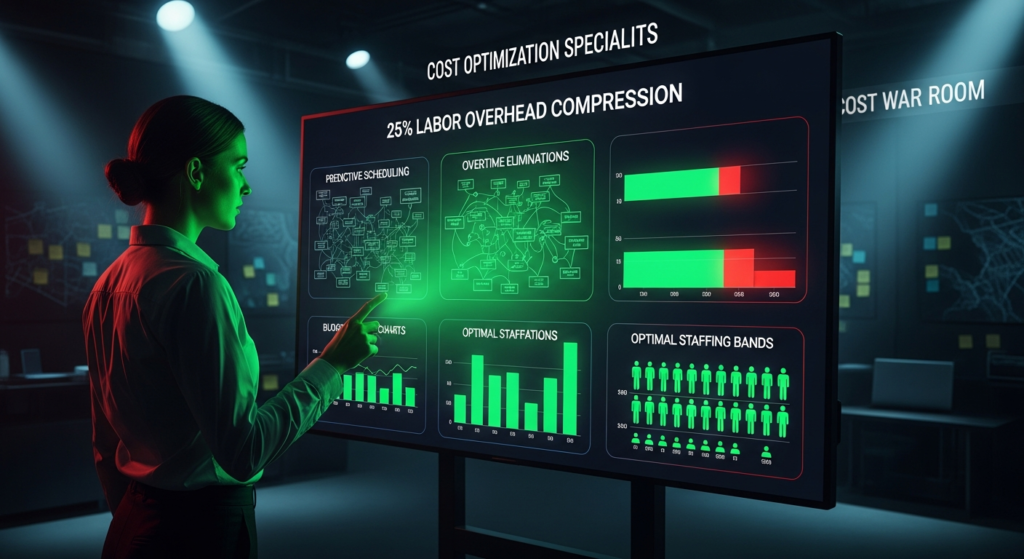
Workforce Cost Reduction with EHRMSNext Workforce cost reduction uses HRMS automation, real-time workforce visibility, payroll accuracy, and compliance controls to reduce labor costs, overtime leakage, payroll errors, and administrative overhead. Workforce Cost Reduction with EHRMSNext explains how organizations can lower workforce-related expenses by automating HR processes, improving payroll accuracy, and gaining real-time control over labor costs. Who This Is For Organizations aiming to control payroll and labor costs HR and finance teams managing workforce efficiency Business leaders focused on operational cost optimization Summary: EHRMSNext reduces workforce costs by eliminating payroll errors, controlling overtime, automating HR workflows, and improving workforce visibility. What Is Workforce Cost Reduction? Minimizing unnecessary payroll and labor expenses Reducing manual HR and administrative effort Preventing compliance penalties and audit risks Improving workforce productivity and utilization Major Workforce Cost Drivers Unplanned overtime and attendance inaccuracies Payroll processing errors and rework Manual HR operations and duplicated effort Compliance violations and penalties How EHRMSNext Enables Workforce Cost Reduction Automated attendance and shift tracking Overtime control through rule-based enforcement Accurate payroll calculations and validations Centralized HR workflows and approvals Compliance-ready records and audit trails Key Areas Where Costs Are Reduced Payroll leakage and overpayments Overtime and shift mismanagement Manual HR processing time Compliance-related penalties Business Outcomes of Workforce Cost Reduction Lower payroll and labor expenses Improved financial forecasting and budgeting Higher workforce productivity Stronger compliance and audit readiness FAQs How does HRMS reduce workforce costs? HRMS reduces workforce costs by automating HR tasks, improving payroll accuracy, controlling overtime, and reducing compliance risks. What workforce costs can EHRMSNext reduce? EHRMSNext helps reduce payroll errors, overtime expenses, manual HR effort, and compliance penalties. Does workforce cost reduction affect employee experience? No. Automation improves accuracy and transparency, which enhances employee trust and experience. Can HRMS help control overtime costs? Yes. Rule-based scheduling and attendance tracking help prevent unplanned overtime. Who benefits most from workforce cost reduction tools? Organizations with large, distributed, or shift-based workforces benefit the most.

Shift Scheduling with EHRMSNext
HRMS

Shift Scheduling with EHRMSNext

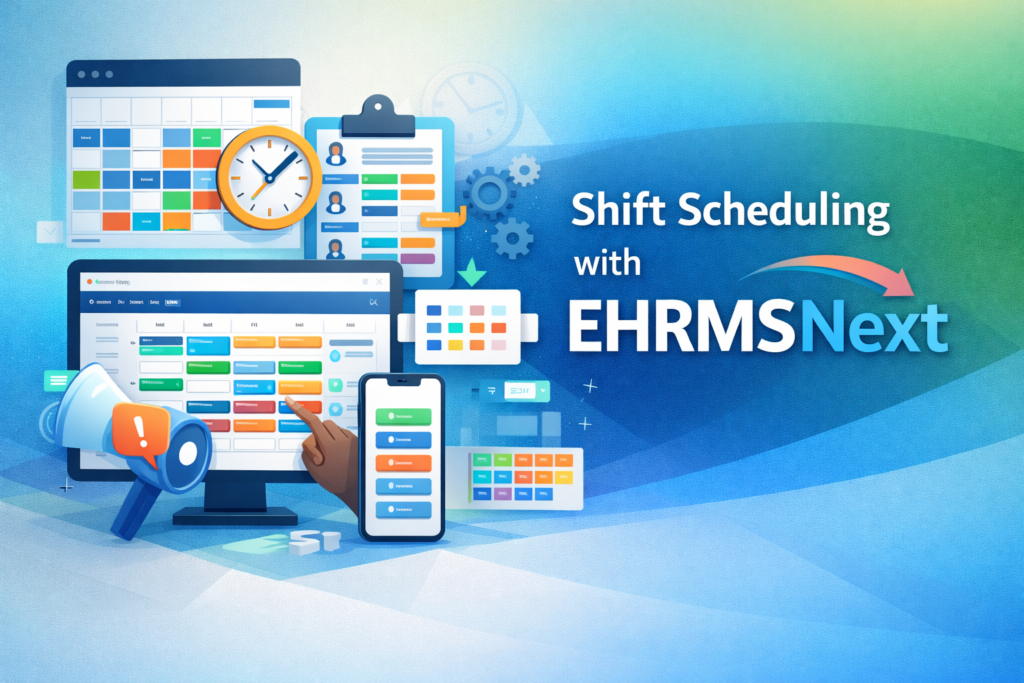
Shift Scheduling with EHRMSNext Shift scheduling software helps organizations plan, assign, and manage employee work shifts efficiently. It enables HR and operations teams to create schedules, manage rotations, control overtime, and maintain workforce coverage while reducing manual errors and compliance risks. Shift Scheduling with EHRMSNext explains how modern organizations can manage shift-based workforces using automated scheduling, real-time visibility, and compliance-driven workforce planning. Who This Is For HR, payroll, and operations leaders managing shift-based teams Finance and compliance teams monitoring labor costs and risk IT teams integrating workforce systems Summary: Shift scheduling with EHRMSNext centralizes workforce planning, reduces overtime leakage, improves compliance, and provides real-time visibility into staffing and labor costs. Common Shift Scheduling Challenges Last-minute schedule changes Overtime cost overruns Manual scheduling errors Compliance gaps with labor laws Lack of workforce visibility Key Outcomes with EHRMSNext Automated shift planning and approvals Reduced overtime and scheduling conflicts Compliance-ready scheduling records Improved workforce productivity Core Shift Scheduling Capabilities Shift creation and rotation management Overtime and rest-rule enforcement Attendance and payroll integration Multi-location workforce scheduling Scheduling dashboards and reports Implementation Approach Review of current scheduling workflows Configuration of shift rules and policies Integration with attendance and payroll Training and phased rollout FAQs What is shift scheduling software? Shift scheduling software helps organizations assign, manage, and optimize employee work shifts while ensuring adequate coverage and compliance. How does shift scheduling reduce overtime costs? By enforcing scheduling rules and visibility into hours worked, shift scheduling software prevents unnecessary overtime and staffing imbalances. Is shift scheduling software compliant with labor laws? Yes, modern systems support compliance by enforcing work-hour limits, rest periods, and audit-ready scheduling records. Can shift scheduling work for multi-location teams? Shift scheduling software supports multiple locations by centralizing schedules, policies, and approvals in one system. Who should use shift scheduling software? Shift scheduling software is ideal for organizations with hourly, rotational, or shift-based workforces.

EHRMSNext For Workforce Contractors
HRMS

EHRMSNext For Workforce Contractors

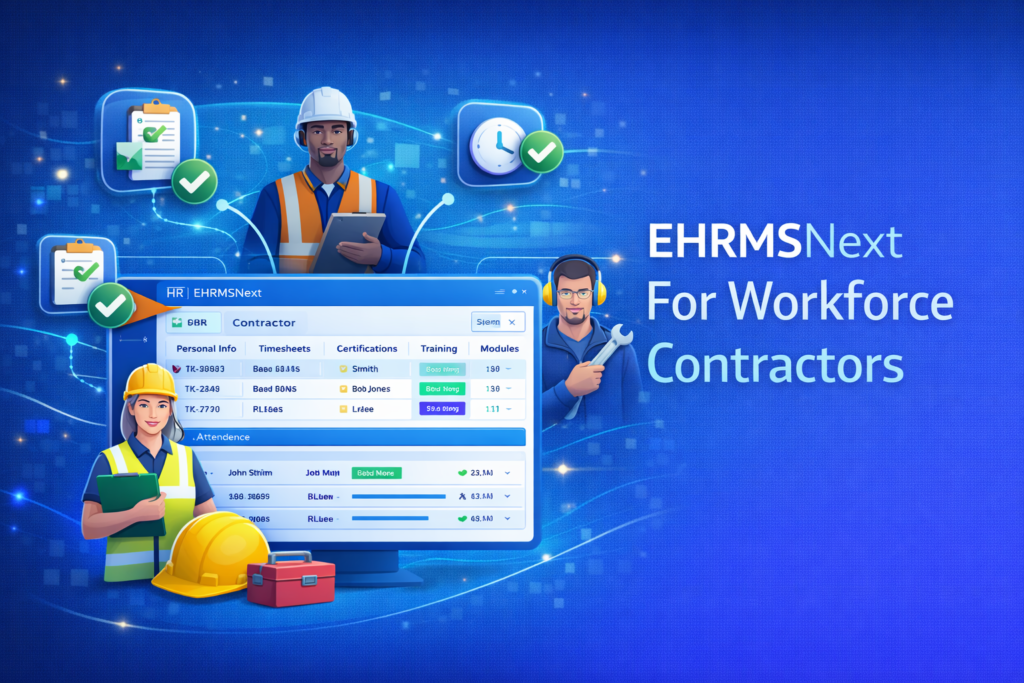
EHRMSNext for Workforce Contractors EHRMSNext for workforce contractors helps organizations manage contract, gig, and third-party workers by centralizing onboarding, attendance, compliance, contract lifecycle tracking, and payment readiness in a single HRMS platform. EHRMSNext for Workforce Contractors explains how organizations can gain control and visibility over non-permanent workforces while reducing compliance risk, payroll errors, and administrative complexity. Who This Is For Organizations managing contract, gig, or third-party workers HR teams onboarding and tracking contractor lifecycles Operations teams coordinating large contractor workforces Summary: EHRMSNext enables structured contractor management by automating onboarding, attendance, compliance, and contract tracking while maintaining data security and workforce visibility. Why Contractor Workforce Management Is Challenging Contractors have fixed or variable contract durations Attendance and billing cycles differ from employees Compliance requirements vary by role and location Limited system access is required for security Key Capabilities of EHRMSNext for Contractors Contract-based onboarding and offboarding workflows Attendance and shift tracking aligned with contracts Document and compliance management for contractors Role-based access control for external workers Contract expiry alerts and lifecycle visibility How EHRMSNext Manages the Contractor Lifecycle Digital onboarding with document verification Automated assignment of attendance and shift rules Continuous compliance and policy tracking Structured contract renewals or exits Business Outcomes for Contractor Workforces Improved visibility into contractor workforce data Reduced compliance and audit risks Accurate attendance and payment readiness Lower administrative overhead for HR teams How EHRMSNext Stands Out for Contractors Clear separation of employee and contractor data Scalable contractor management for growing operations Audit-ready records across contractor lifecycles Unified dashboards for HR and operations FAQs Can EHRMSNext manage workforce contractors? Yes. EHRMSNext supports end-to-end contractor lifecycle management including onboarding, attendance, compliance, and contract tracking. How is contractor management different from employee management? Contractors require flexible contracts, limited access, different attendance rules, and separate compliance handling. Does EHRMSNext support contractor attendance tracking? Yes. Attendance and shift rules can be configured specifically for contractor workforces. How does EHRMSNext handle contractor compliance? The platform tracks required documents, policies, and audit-ready records throughout the contractor lifecycle. Who should use EHRMSNext for contractors? Organizations with large, distributed, or rotating contractor workforces benefit the most.

Scroll to Top