blog

EHRMSNext For Deskless Workforce
HRMS

EHRMSNext For Deskless Workforce

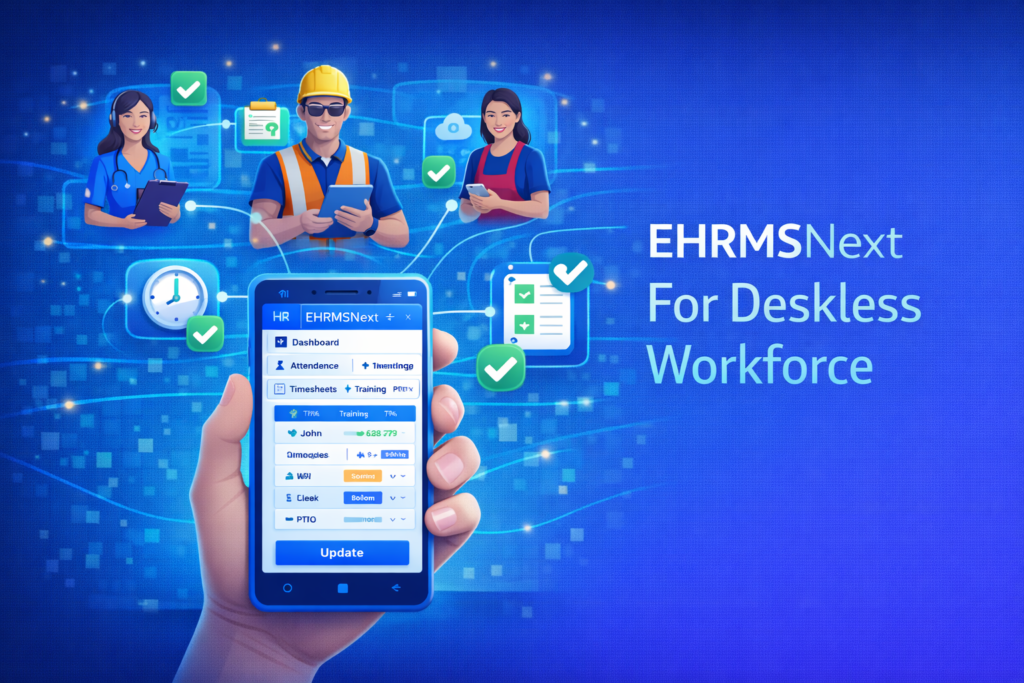
EHRMSNext for Deskless Workforce EHRMSNext for deskless workforce enables organizations to manage frontline and non-desk employees through mobile-first attendance, shift scheduling, payroll, compliance, and communication tools. EHRMSNext for Deskless Workforce explains how organizations can support employees who work without desks—such as field staff, factory workers, and frontline teams—using a centralized, mobile-friendly HRMS platform. Who This Is For Organizations with frontline or field-based employees HR teams managing shift-based or mobile workforces Operations teams requiring real-time workforce visibility Summary: EHRMSNext provides mobile-first HR management for deskless employees, ensuring accurate attendance, compliant payroll, and real-time workforce visibility. What Is a Deskless Workforce? Employees without fixed desks or office access Frontline, field, retail, manufacturing, or logistics staff Workers who rely on mobile devices instead of desktops Challenges in Managing Deskless Employees Limited access to HR systems Inaccurate attendance and time tracking Complex shift and overtime management Communication gaps between HR and frontline teams Key Capabilities of EHRMSNext for Deskless Workforce Mobile attendance with location validation Shift scheduling and overtime controls Payroll-ready attendance data Policy acknowledgements via mobile devices Real-time workforce dashboards How EHRMSNext Supports Deskless Workforce Operations Mobile-first HR access for frontline employees Automated workflows for approvals and HR tasks Secure role-based access control Centralized visibility across locations Business Outcomes for Deskless Workforces Improved attendance accuracy Reduced payroll errors and overtime leakage Stronger compliance and audit readiness Higher engagement among frontline employees How EHRMSNext Stands Out for Deskless Workforce Designed specifically for mobile and frontline use Scalable for large, distributed teams Single source of truth for deskless HR data Supports multi-location operations FAQs Can EHRMSNext manage deskless employees? Yes. EHRMSNext is designed to manage deskless and frontline employees through mobile-first HR capabilities. How is attendance tracked for deskless workforce? Attendance is tracked using mobile-based systems with configurable rules and location validation. Does EHRMSNext support shift-based deskless teams? Yes. Shift scheduling and overtime rules can be customized for deskless workforces. Can deskless employees access HR services on mobile? Yes. Employees can access HR services, policies, and attendance features via mobile devices. Who should use EHRMSNext for deskless workforce? Organizations with frontline, field, or non-desk employees benefit the most.
How EHRMSNext Improves HR Efficiency
HRMS

How EHRMSNext Improves HR Efficiency

How EHRMSNext Improves HR Efficiency HR efficiency refers to the ability of HR teams to manage workforce operations with minimal manual effort while maintaining accuracy, compliance, and employee experience. HR efficiency is improved through automation, centralized data, streamlined workflows, and real-time visibility across HR and payroll processes. How EHRMSNext Improves HR Efficiency explains how organizations can reduce administrative workload, eliminate manual HR tasks, and improve workforce operations using automation and centralized HR management. Who This Is For HR and payroll teams managing high administrative workloads Finance and compliance teams seeking operational accuracy Organizations scaling workforce operations efficiently Summary: EHRMSNext improves HR efficiency by automating payroll, attendance, compliance, and employee workflows, reducing manual tasks and enabling HR teams to focus on strategic workforce initiatives. Common HR Efficiency Challenges Manual payroll and attendance processing Fragmented employee and workforce data Delayed approvals and repetitive HR tasks High administrative workload for HR teams How EHRMSNext Improves HR Efficiency Automates payroll, attendance, and leave workflows Centralizes employee and workforce data Reduces approval delays through workflow automation Improves compliance visibility and reporting Key Outcomes with EHRMSNext Reduced HR administrative workload Improved accuracy and compliance Faster HR processes and approvals Better employee experience through self-service Core Capabilities Supporting HR Efficiency Automated payroll and attendance management Configurable HR workflows and approvals Integrated compliance and reporting Dashboards and analytics for HR teams Implementation Approach Assessment of current HR processes and inefficiencies Configuration of workflows and automation rules Data migration and system integration Training and phased rollout FAQs What is HR efficiency? HR efficiency is the ability of HR teams to manage workforce operations accurately while minimizing manual effort and administrative workload. How does HR software improve efficiency? HR software improves efficiency by automating routine tasks, centralizing data, and streamlining workflows across HR and payroll functions. What HR tasks can be automated? Payroll processing, attendance tracking, leave management, compliance reporting, and approvals can all be automated. Is HR efficiency important for growing companies? Yes, improved HR efficiency helps growing organizations scale workforce operations without increasing administrative overhead. Who benefits most from improved HR efficiency? HR teams, finance departments, managers, and employees all benefit from more efficient HR operations.

Book a Demo EHRMSNext
HRMS

Book a Demo EHRMSNext

Book a Demo – EHRMSNext The EHRMSNext demo is a personalized walkthrough that shows how the platform automates payroll, workforce management, attendance, and compliance based on your organization’s needs. Book a Demo with EHRMSNext to see how a unified HRMS platform can streamline HR operations, reduce manual work, and improve workforce visibility across your organization. Who Should Book an EHRMSNext Demo HR leaders evaluating modern HRMS platforms Finance teams seeking payroll accuracy and cost control Operations teams managing multi-location or distributed workforces Demo at a Glance: The EHRMSNext demo provides a guided, real-world walkthrough of HR, payroll, attendance, and compliance workflows tailored to your business. What You’ll See in the EHRMSNext Demo Overview of core HR, payroll, and workforce modules Live walkthrough of attendance, leave, and approvals Payroll processing and compliance controls Dashboards and real-time workforce reporting How the Demo Works Share your organization size and HR challenges Receive a customized demo aligned to your use case Explore workflows relevant to your team Ask questions and discuss implementation scenarios Why Book a Demo Instead of Reading Documentation See real workflows instead of feature lists Understand how EHRMSNext fits your processes Clarify integration and compliance questions Evaluate ROI and operational impact What Happens After the Demo Receive tailored recommendations Discuss implementation approach and timelines Access additional resources and case examples FAQs Is the EHRMSNext demo free? Yes. The EHRMSNext demo is completely free and obligation-free. How long does the EHRMSNext demo take? The demo typically takes 30–45 minutes, depending on your requirements. Is the demo customized for my organization? Yes. The demo is tailored based on your industry, workforce size, and HR needs. Who should attend the demo? HR, payroll, finance, and operations stakeholders involved in HRMS decisions should attend. What information do I need before booking a demo? Basic details such as workforce size, locations, and HR challenges are sufficient.

EHRMSNext for Multi-location Companies
HRMS

EHRMSNext for Multi-location Companies

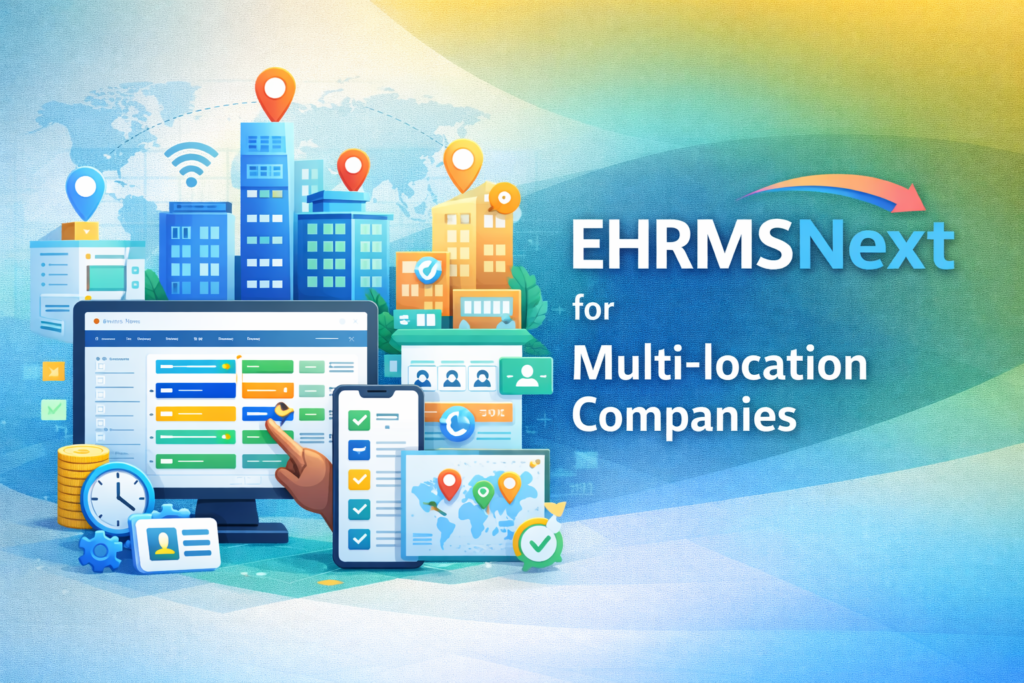
EHRMSNext for Multi-location Companies HRMS for multi-location companies enables organizations to centrally manage payroll, attendance, compliance, and employee data across multiple offices, branches, or regions. It provides unified control while supporting location-specific policies and operational flexibility. EHRMSNext for Multi-location Companies explains how growing and distributed organizations can streamline HR operations, standardize payroll, and maintain compliance across locations using a single, centralized HRMS platform. Who This Is For HR, payroll, and operations leaders managing multiple offices or branches Finance and compliance teams overseeing regional payroll and statutory risk IT teams integrating HR systems across distributed business units Summary: EHRMSNext centralizes HR, payroll, and compliance for multi-location organizations, reducing operational complexity while improving visibility, control, and consistency across all locations. Common Multi-location HR Challenges Disconnected HR and payroll systems across locations Inconsistent HR policies and approval workflows Payroll errors due to regional rule variations Compliance risks across states or countries Limited visibility into workforce costs and performance Key Outcomes with EHRMSNext Centralized HR and payroll management across locations Reduced payroll errors and compliance risks Standardized processes with location-level flexibility Real-time workforce visibility and reporting Core Capabilities for Multi-location Companies Centralized employee data management Location-wise payroll, attendance, and leave configuration Policy-driven workflows with multi-level approvals Compliance tracking with audit-ready records Unified dashboards with location-level drill-downs Implementation Approach Assessment of existing HR, payroll, and attendance processes Configuration of modules based on regional policies Secure migration of employee and payroll data Training, pilot rollout, and phased go-live FAQs What is an HRMS for multi-location companies? An HRMS for multi-location companies is a centralized system that allows organizations to manage HR, payroll, attendance, and compliance across multiple offices or regions from one platform. How does EHRMSNext manage payroll across different locations? EHRMSNext supports location-specific payroll rules, tax structures, and compliance requirements while maintaining centralized payroll processing and reporting. Can different locations have different HR policies? Yes. EHRMSNext allows organizations to configure workflows, approvals, and policies based on location, department, or business unit. Is EHRMSNext suitable for international multi-location organizations? Yes. EHRMSNext supports multi-country compliance, localized payroll rules, and centralized workforce reporting for global operations. Who should use EHRMSNext for multi-location management? EHRMSNext is ideal for organizations with multiple offices, branches, or regions that require centralized HR control with operational flexibility.

HRMS

EHRMSNext for High-Compliance Sectors

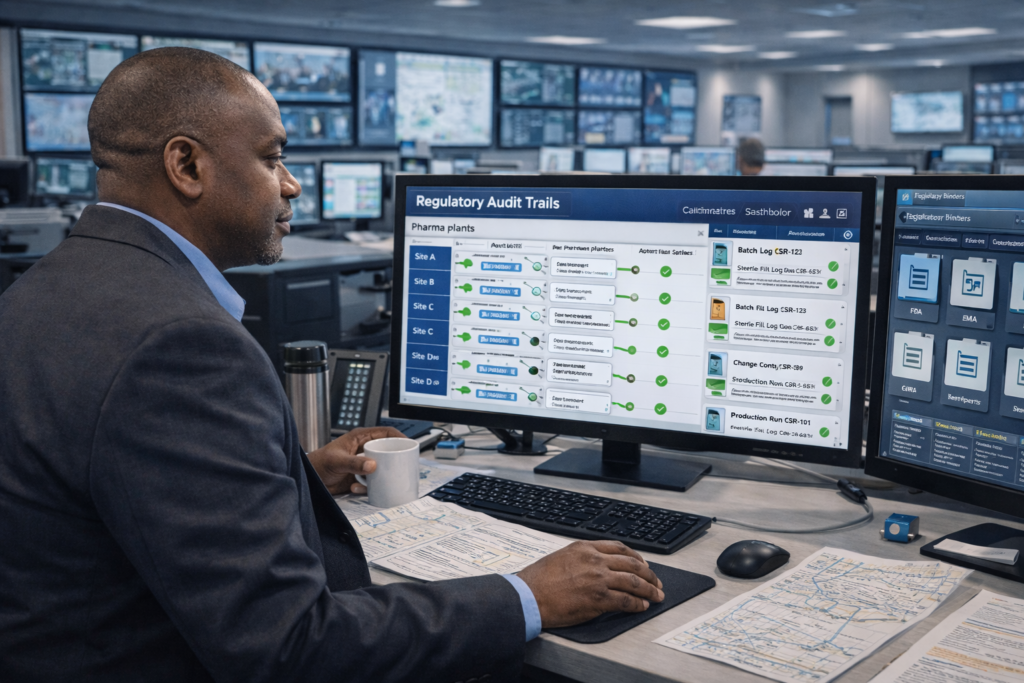
EHRMSNext for High-Compliance Sectors High-compliance sectors are industries that must strictly follow labor laws, payroll regulations, statutory reporting, and audit requirements. EHRMSNext helps organizations in regulated environments automate HR, payroll, and compliance processes while reducing operational risk and audit exposure. EHRMSNext for High-Compliance Sectors explains how organizations operating in regulated industries can manage HR, payroll, attendance, and compliance with greater accuracy, control, and transparency using a centralized HRMS platform. Who This Is For HR and payroll leaders managing compliance-driven workforces Finance and compliance teams reducing regulatory and audit risk Operations leaders overseeing regulated labor environments IT teams supporting secure and compliant HR systems Summary: EHRMSNext helps high-compliance organizations automate statutory processes, maintain audit-ready records, reduce compliance errors, and gain real-time visibility into workforce operations. Common Compliance Challenges Frequent regulatory and statutory changes Manual payroll and compliance calculations Audit preparation delays and documentation gaps Inconsistent policy enforcement across locations Limited visibility into compliance risks Key Outcomes with EHRMSNext Automated compliance workflows and approvals Accurate statutory payroll and reporting Audit-ready records with complete traceability Reduced compliance risk and penalties Improved operational control and transparency Core Compliance Capabilities Statutory payroll rules and compliance engines Attendance, leave, and shift data linked to payroll Audit trails, approval logs, and historical records Role-based access and data security controls Compliance dashboards and regulatory reports Implementation Approach Assessment of existing HR, payroll, and compliance processes Configuration of EHRMSNext modules to align with policies Secure migration of employee and compliance data Training, validation, and phased rollout FAQs What are high-compliance sectors? High-compliance sectors are industries such as healthcare, manufacturing, BFSI, government, and logistics that must comply with strict labor laws, payroll regulations, and audit requirements. Why do high-compliance sectors need specialized HRMS software? These industries face higher regulatory risk and frequent audits. Specialized HRMS software automates compliance processes, reduces errors, and ensures audit-ready records. How does EHRMSNext help with compliance audits? EHRMSNext maintains automated audit trails, approval workflows, statutory reports, and historical compliance data to simplify internal and external audits. Can EHRMSNext support multi-location or multi-country compliance? Yes. EHRMSNext supports centralized compliance management across multiple locations and regions with country-specific rules and reporting. Who should use EHRMSNext in regulated industries? EHRMSNext is ideal for organizations operating in regulated environments that require accurate payroll, strict compliance controls, and audit readiness.

HRMS

EHRMSNext API Integrations

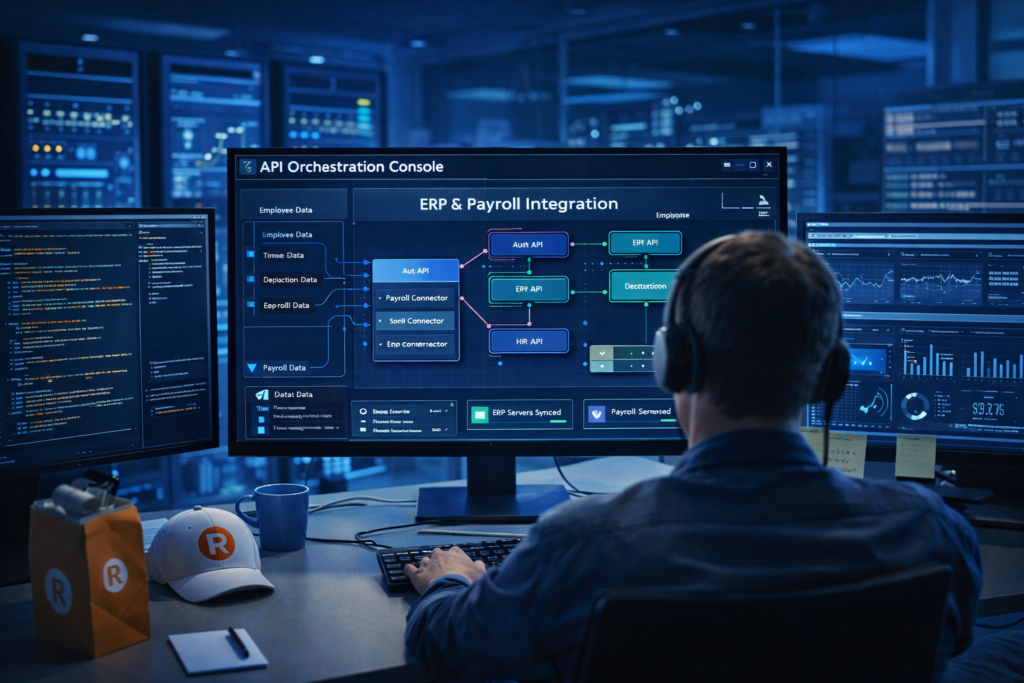
EHRMSNext API Integrations HRMS API integrations enable EHRMSNext to securely connect with payroll, ERP, finance, identity, and third-party systems. These integrations allow real-time or scheduled data exchange, eliminating manual data entry and ensuring consistent workforce information across systems. EHRMSNext API Integrations explains how organizations can connect EHRMSNext with their existing business systems to automate HR workflows, improve data accuracy, and enable seamless cross-platform operations. Who This Is For IT and engineering teams integrating HRMS with enterprise systems HR and payroll teams reducing manual data synchronization Finance teams aligning HR data with accounting systems Organizations using multiple workforce and business tools Summary: EHRMSNext API integrations connect HR, payroll, finance, and business systems through secure data exchange, improving automation, accuracy, and operational efficiency. Common Integration Challenges Duplicate data entry across systems Inconsistent employee and payroll records Delayed data synchronization Manual reconciliation between HR and finance tools Limited visibility across connected platforms Key Outcomes with EHRMSNext Automated data flow between HR and business systems Improved data accuracy and consistency Reduced manual effort and IT overhead Faster HR and payroll processing Scalable integrations as systems grow Core API Integration Capabilities Secure REST-based API architecture Integration with payroll, ERP, finance, and identity systems Real-time and scheduled data synchronization Authentication and access control mechanisms Monitoring, logs, and error handling support Implementation Approach Identification of systems and integration requirements Configuration of API access and authentication Mapping of data fields and sync rules Testing, validation, and monitoring FAQs What are HRMS API integrations? HRMS API integrations allow HR software to securely exchange data with other systems such as payroll, ERP, finance, and identity platforms. What systems can EHRMSNext integrate with? EHRMSNext can integrate with payroll systems, accounting tools, ERP platforms, identity management solutions, and other third-party applications. Are EHRMSNext APIs secure? Yes. EHRMSNext APIs use secure authentication, access controls, and monitoring to ensure safe and reliable data exchange. Do EHRMSNext API integrations support real-time data sync? EHRMSNext supports both real-time and scheduled data synchronization based on business needs. Who should use EHRMSNext API integrations? Organizations using multiple HR, payroll, or business systems that require automated and reliable data exchange should use EHRMSNext API integrations.

HRMS

EHRMSNext Reporting Suite

EHRMSNext Reporting Suite The EHRMSNext Reporting Suite provides real-time HR, payroll, attendance, and compliance reports that help HR leaders, finance teams, and management make data-driven workforce decisions. EHRMSNext Reporting Suite explains how organizations can gain visibility into workforce data using ready-made dashboards, customizable reports, and audit-ready analytics—all from a single HRMS platform. Who This Is For HR teams tracking workforce trends and performance Finance teams monitoring payroll and labor costs Leadership teams making strategic, data-driven decisions Summary: The EHRMSNext Reporting Suite centralizes workforce data into actionable dashboards and reports, enabling faster decisions, compliance readiness, and cost control. What Is the EHRMSNext Reporting Suite? A centralized analytics and reporting module within EHRMSNext Provides real-time visibility into HR, payroll, and attendance data Supports compliance audits and management reporting Types of Reports Available in EHRMSNext Employee headcount and workforce distribution reports Attendance, leave, and shift utilization reports Payroll cost and compensation analysis reports Compliance and statutory audit reports Custom reports based on business needs Key Features of the Reporting Suite Pre-built dashboards for HR and leadership Real-time data updates across modules Custom report creation and export Role-based access to sensitive data Audit-ready logs and historical data tracking How the Reporting Suite Supports Decision-Making Improves workforce planning and forecasting Identifies attendance and productivity trends Highlights payroll and labor cost patterns Ensures compliance and audit preparedness How EHRMSNext Reporting Stands Out Unified reporting across HR, payroll, and compliance No dependency on external BI tools Designed specifically for HR and workforce data Scales with organizational growth FAQs What is the EHRMSNext Reporting Suite? It is an analytics module that provides real-time HR, payroll, attendance, and compliance reports. What types of reports are available? The suite includes workforce, attendance, payroll, compliance, and custom reports. Can reports be customized? Yes. Users can create and export custom reports based on specific business needs. Who can access reporting dashboards? Access is controlled through role-based permissions. Does the reporting suite support compliance audits? Yes. It provides audit-ready reports and historical data for compliance reviews.

HRMS

EHRMSNext Onboarding Automation

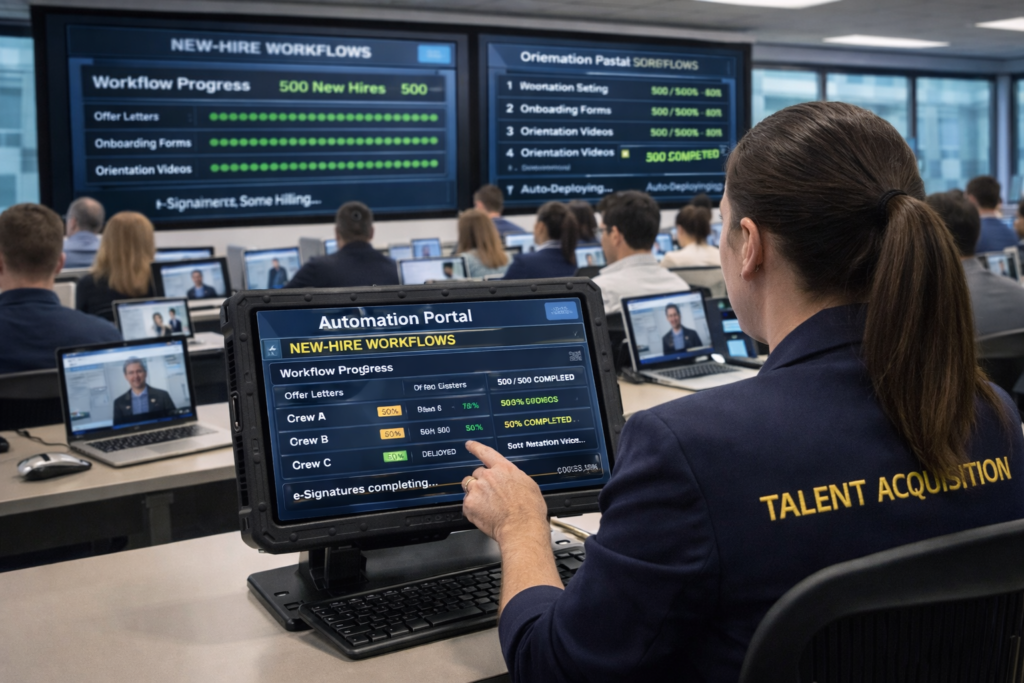
EHRMSNext Onboarding Automation Onboarding automation uses HR software to digitize and automate employee onboarding tasks such as documentation, approvals, training assignments, and compliance checks, ensuring faster and consistent new-hire experiences. EHRMSNext Onboarding Automation explains how organizations can streamline new-hire onboarding by replacing manual paperwork and fragmented processes with automated workflows and centralized visibility. Who This Is For HR teams onboarding employees at scale Organizations struggling with manual onboarding processes Businesses focused on improving new-hire experience and compliance Summary: Onboarding automation with EHRMSNext reduces manual effort, speeds up new-hire readiness, ensures compliance, and delivers a consistent onboarding experience across teams and locations. What Is Employee Onboarding Automation? Digitization of onboarding forms and documents Automated task assignment to HR, IT, and managers Standardized onboarding workflows for every hire Centralized tracking of onboarding progress Key Challenges in Manual Onboarding Delayed document collection and approvals Inconsistent onboarding experiences Missed compliance and policy acknowledgements Lack of visibility into onboarding status Key Features of EHRMSNext Onboarding Automation Automated document collection and verification Role-based onboarding task workflows Policy acknowledgements and compliance tracking Training and asset assignment automation Real-time onboarding dashboards How Onboarding Automation Improves New-Hire Experience Faster onboarding completion Clear task ownership and accountability Reduced confusion for new employees Consistent onboarding across teams and locations How EHRMSNext Supports Automated Onboarding Centralized onboarding workflows in one platform Automated coordination across HR, IT, and managers Compliance-ready onboarding records Scalable onboarding for growing teams Business Outcomes of Onboarding Automation Reduced time-to-productivity for new hires Lower administrative workload for HR Improved compliance and audit readiness Better employee engagement from day one FAQs What is onboarding automation? Onboarding automation digitizes and automates employee onboarding tasks such as documentation, approvals, and training assignments. How does onboarding automation help HR teams? It reduces manual work, improves visibility, and ensures consistent onboarding workflows. Can onboarding automation handle compliance? Yes. Automated systems track policy acknowledgements and maintain audit-ready records. How long does automated onboarding take? Automated onboarding significantly reduces onboarding time by eliminating manual delays. Who should use onboarding automation software? Organizations hiring frequently or scaling teams benefit the most from onboarding automation.

HRMS

EHRMSNext Offboarding Automation

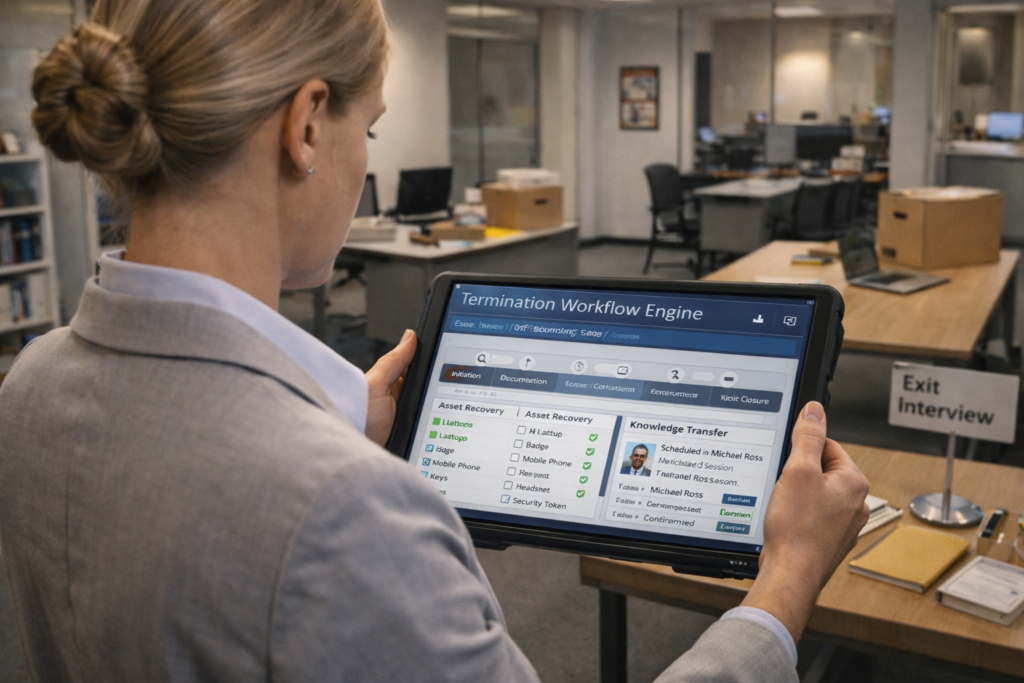
EHRMSNext Offboarding Automation Employee offboarding automation is the process of managing employee exits through automated workflows that handle final settlements, access revocation, compliance tasks, and documentation in a structured and auditable manner. EHRMSNext Offboarding Automation explains how organizations can manage employee exits efficiently by automating offboarding workflows, reducing compliance risk, and ensuring a secure and consistent exit process. Who This Is For HR teams managing employee exits and separations IT teams responsible for system access and security Finance and compliance teams handling final settlements Summary: EHRMSNext automates employee offboarding to ensure secure exits, accurate settlements, and compliance-ready documentation. Common Offboarding Challenges Manual and inconsistent exit processes Delayed access revocation and security risks Errors in final payroll and settlements Missing documentation and audit gaps Poor employee exit experience Key Outcomes with EHRMSNext Standardized offboarding workflows across the organization Timely revocation of system and facility access Accurate final payroll and settlement processing Audit-ready records for compliance and governance Core Offboarding Automation Capabilities Automated exit workflows and approvals Role-based access deactivation and tracking Final payroll, gratuity, and settlement calculations Exit documentation and compliance records Dashboards to track offboarding status Implementation Approach Assessment of existing offboarding processes Configuration of exit workflows and policies Integration with payroll and access systems Training and phased rollout FAQs What is employee offboarding automation? Employee offboarding automation manages exit tasks such as access removal, final payroll, and compliance documentation through automated workflows. Why is offboarding automation important? It reduces security risks, ensures compliance, and improves accuracy during employee exits. Does offboarding automation handle final settlements? Yes. EHRMSNext automates final payroll, deductions, and settlement calculations. Can offboarding workflows be customized? Yes. Workflows can be configured based on role, department, or exit type. Who should use offboarding automation? Organizations of any size managing regular employee exits can benefit from offboarding automation.

HRMS

How EHRMSNext Helps Reduce Attrition

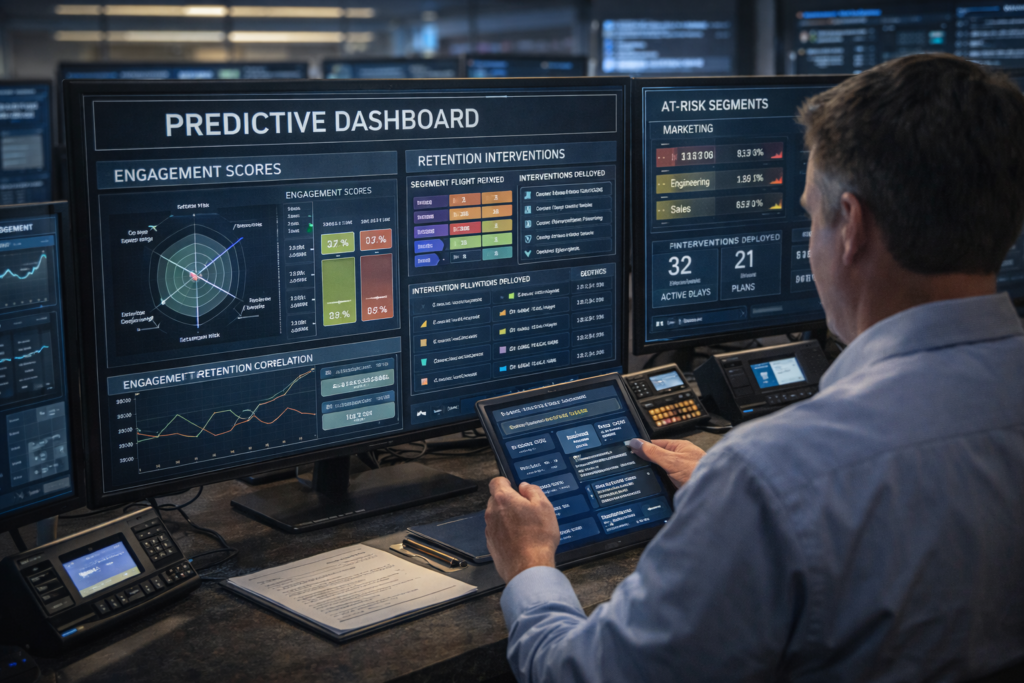
How EHRMSNext Helps Reduce Attrition Employee attrition refers to the gradual reduction of employees due to resignations, disengagement, or poor workplace experience. HRMS platforms reduce attrition by improving transparency, payroll accuracy, employee engagement, and overall workforce experience. How EHRMSNext Helps Reduce Attrition explains how organizations can retain employees by addressing common causes of attrition such as payroll errors, lack of visibility, disengagement, and inconsistent HR processes. Who This Is For HR leaders focused on employee retention and engagement Business managers monitoring workforce stability People operations teams improving employee experience Summary: EHRMSNext reduces attrition by improving employee trust, engagement, and transparency through automated and employee-centric HR processes. Common Causes of Employee Attrition Payroll inaccuracies and delayed payments Lack of transparency in leave, attendance, and policies Limited employee engagement and feedback mechanisms Manual HR processes causing frustration Poor onboarding and lifecycle management How EHRMSNext Helps Reduce Attrition Accurate, on-time payroll that builds employee trust Employee self-service portals for transparency and control Clear attendance, leave, and policy visibility Automated workflows that reduce HR delays Consistent employee experience across locations Key Outcomes for Organizations Lower employee turnover rates Improved employee satisfaction and engagement Reduced HR workload and manual errors Stronger employer brand and workforce stability Implementation Approach Assessment of existing HR processes and attrition drivers Configuration of employee-centric HR workflows Integration of payroll, attendance, and self-service modules Training and phased rollout across teams FAQs What is employee attrition? Employee attrition is the gradual loss of employees due to resignations, disengagement, or workplace dissatisfaction. How can HRMS reduce employee attrition? HRMS reduces attrition by improving payroll accuracy, transparency, engagement, and overall employee experience. Does payroll accuracy really impact attrition? Yes. Consistent and accurate payroll builds trust and significantly reduces employee dissatisfaction. Can HR automation improve employee engagement? Yes. Automation removes friction from HR processes, giving employees clarity and control over their work life. Who should use EHRMSNext to reduce attrition? Organizations of any size seeking to improve retention and employee experience can benefit from EHRMSNext.

Scroll to Top